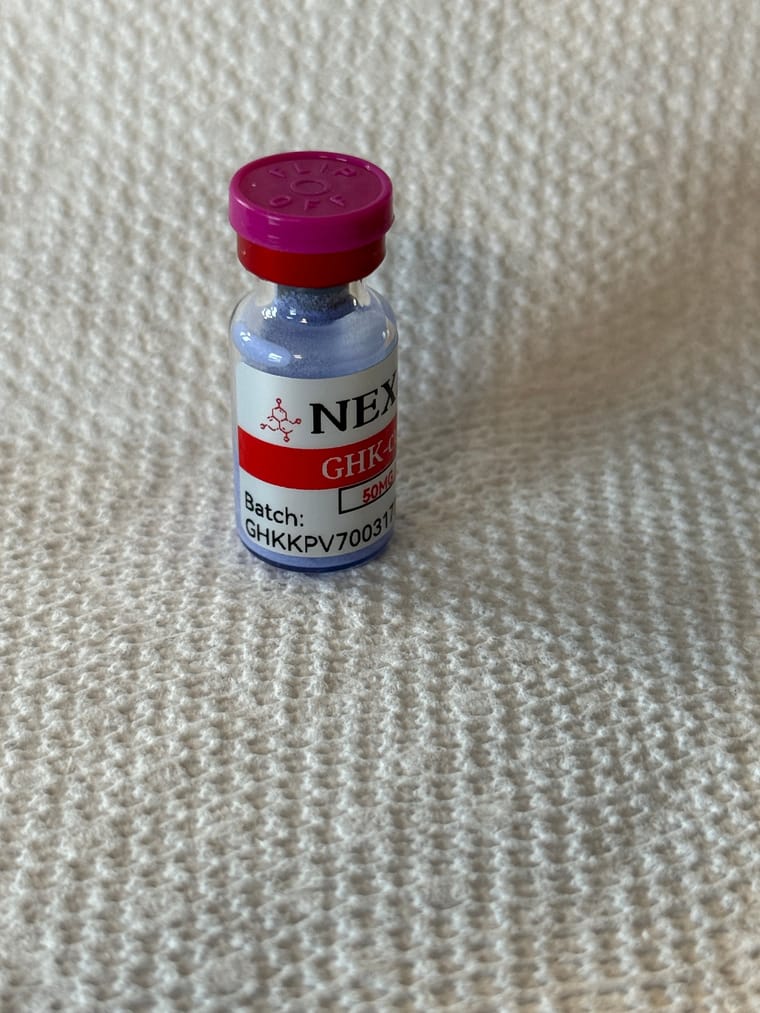
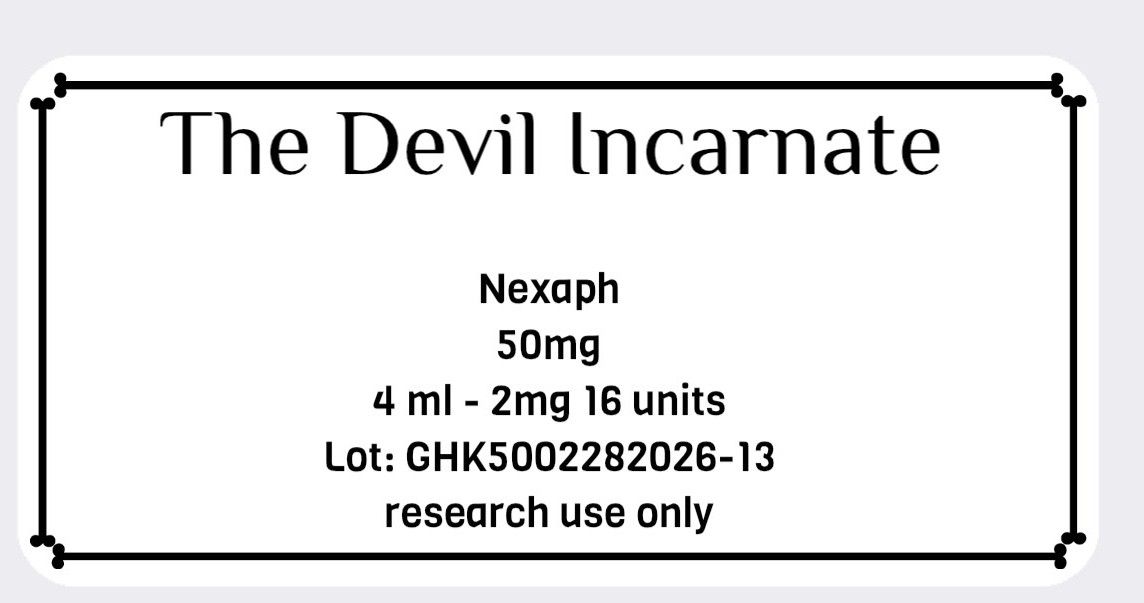
Label Makers
-
Well, I ordered my first label maker using the Randy's affiliate link
 This is going to be put to some good use for sure.
 -
I should look into that. I ordered some labels off of ebay. They were fairly cheap, but it would be nice to do my own.
@jackie said in Label Makers:
I should look into that. I ordered some labels off of ebay. They were fairly cheap, but it would be nice to do my own.
First thing hubs says, "Now what did ya order?" I showed him the video and he said, cool, now I'll know where things are at in the kitchen LOL I said, well yes it can be used for that, and many other things, including our research, surprisingly, I didn't get "THE" look this time haha
-
@Randy said in Label Makers:
I ordered the liene sticker maker to up my label game. Instead I'm just making stickers.
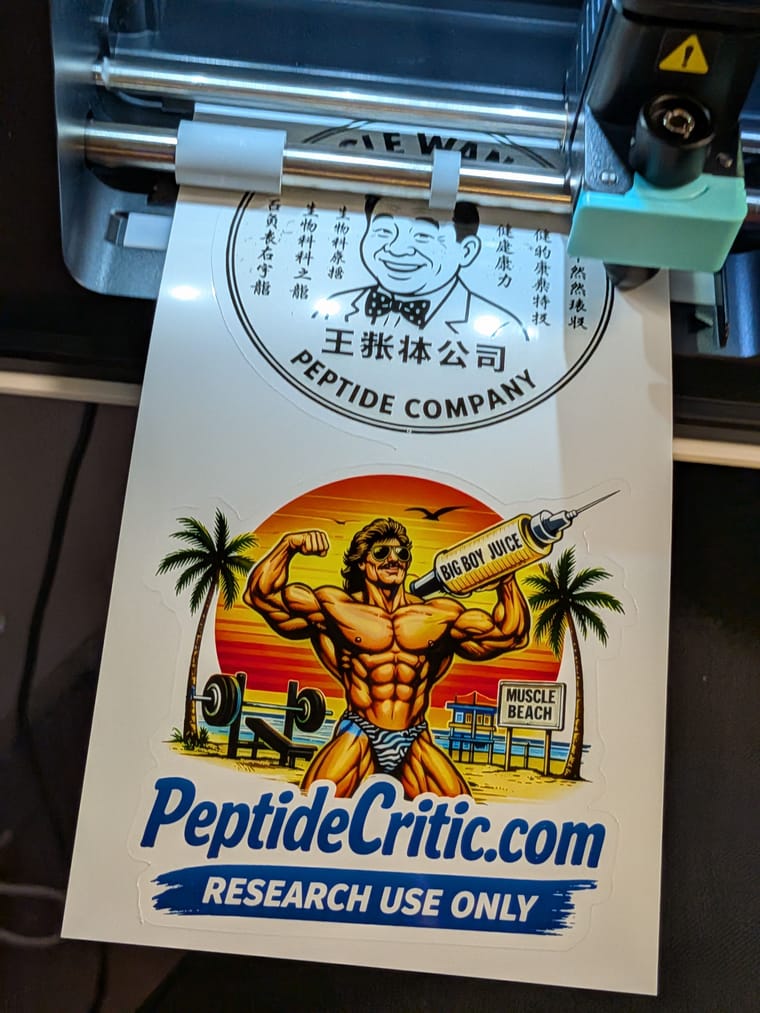
I wish I would not have seen this! lol
-
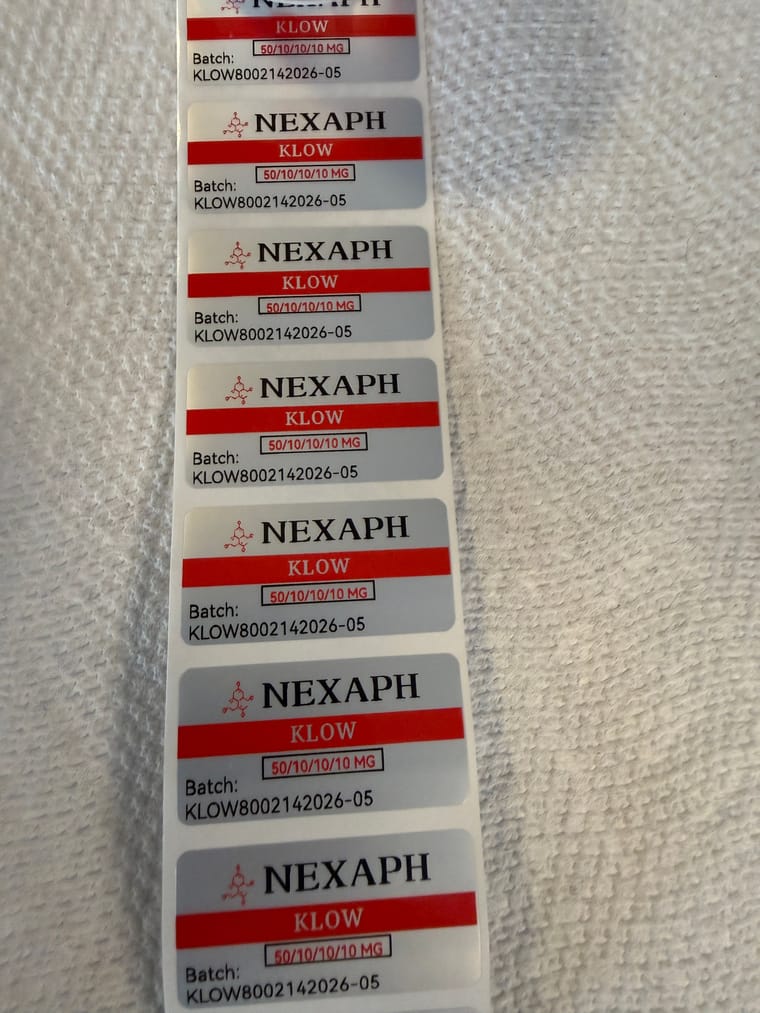
@Commander make the label in the niimbot software. Copy whatever you want in another color to another template and remove it from the original. print color 1. Re roll the labels and reload the printer with the labels and a new tape. print color 2. You lose labels in this process because niimbot has rfid in each spool and counts how many youve used.
-
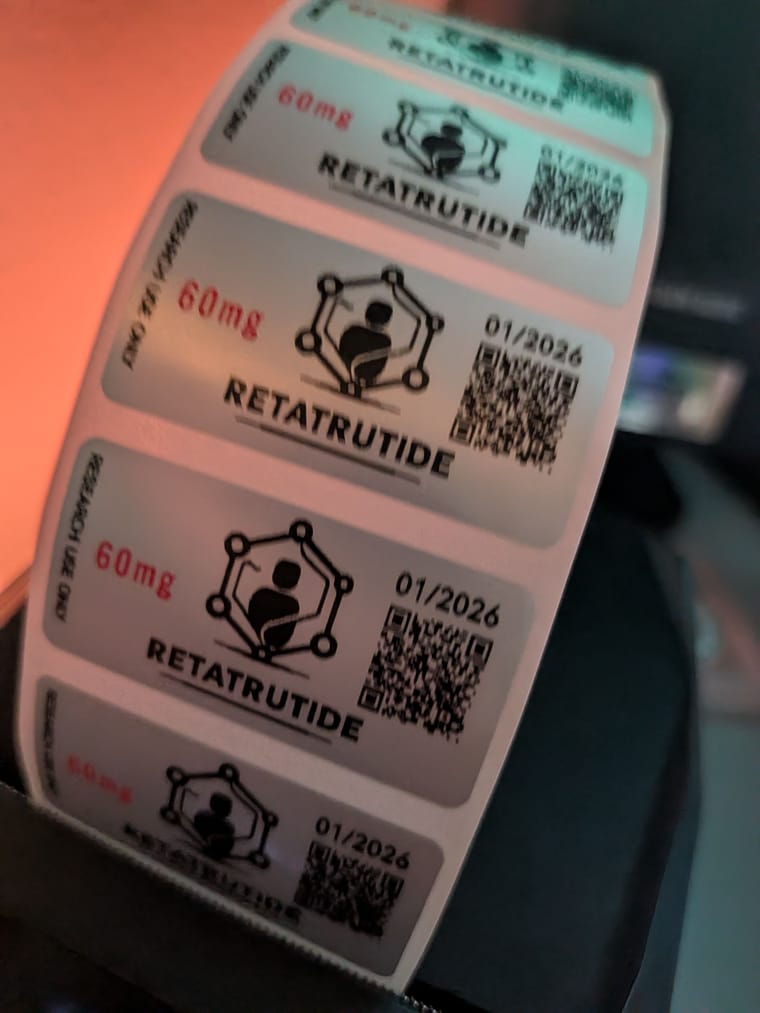
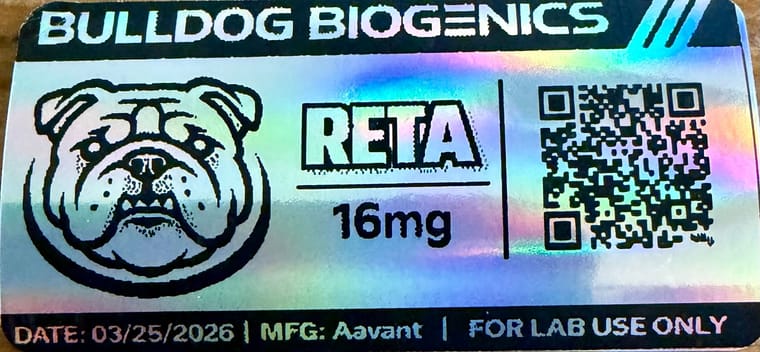
I have been super happy with the M2. Using a combo of Grok and ChatGPT… I was able to create a fun, fake company name, design a label, add the QR code, and any other info. I use this as a base template and add/modify info as needed. I was planning to do the color route, but was more than pleased with the outcome of this instead.
-
Just received my M2. The only thing is that I would like a higher dpi? Don’t know why, could be my ocd, but I’m having a hard time believing the QR codes will work.
But I guess 300dpi is the new standard?@Juan-Doe My QR codes work, even on holographic paper, which makes it more challenging to read in general. I found the trick was to use a site like bitly.com to produce a shortened url for the original QR code, which simplifies the QR pattern and makes it easier for the camera to read. It works very well.
-
@Commander do you or anyone pay for niimbot VIP? I get 3 free months with subscription.
-
If you look up a few posts Randy explained how to do it. You basically have to create 2 exact labels, 1 with the red print on it and 1 with the black print on it. Print 1 color, rewind the labels then “print over them” again with the other color. This is on the Nimbot M2.
Nimbot supposedly has a printer that will print 2 colors, I just have to figure out what model it is…