Skip to content
  • Categories
  • Recent
  • Tags
  • Popular
  • World
  • Users
  • Groups
Skins
  • Light
  • Brite
  • Cerulean
  • Cosmo
  • Flatly
  • Journal
  • Litera
  • Lumen
  • Lux
  • Materia
  • Minty
  • Morph
  • Pulse
  • Sandstone
  • Simplex
  • Sketchy
  • Spacelab
  • United
  • Yeti
  • Zephyr
  • Dark
  • Cyborg
  • Darkly
  • Quartz
  • Slate
  • Solar
  • Superhero
  • Vapor

  • Default (Zephyr)
  • No Skin
Collapse
Peptide Critic Community

Peptide Critic Community

  1. Randy the Rats Research Forum
  2. Supplies, Mixing & Storage
  3. Label Makers
Prize
Enter to Win a Gansulin Auto Injector Pen, with Carts a Pepboys Vial Storage Case
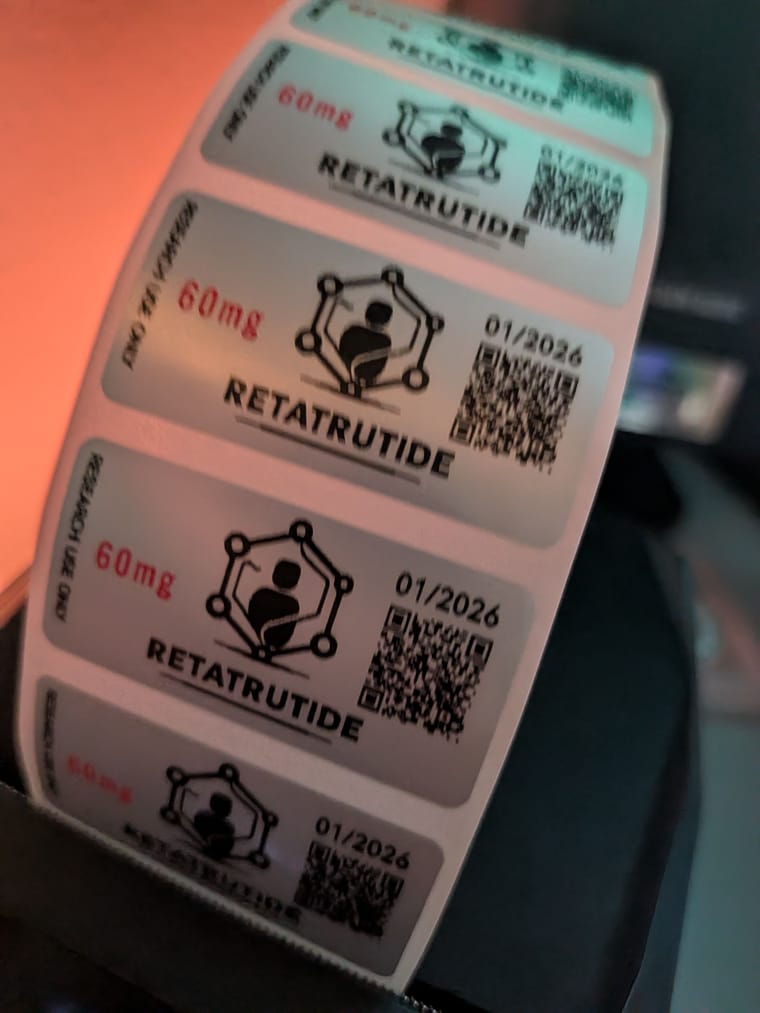
Ends in
5994 entries · 1000 participants
Enter →

Label Makers

Scheduled Pinned Locked Moved Supplies, Mixing & Storage
mixing-tools
74 Posts 23 Posters 1.3k Views 5 Watching
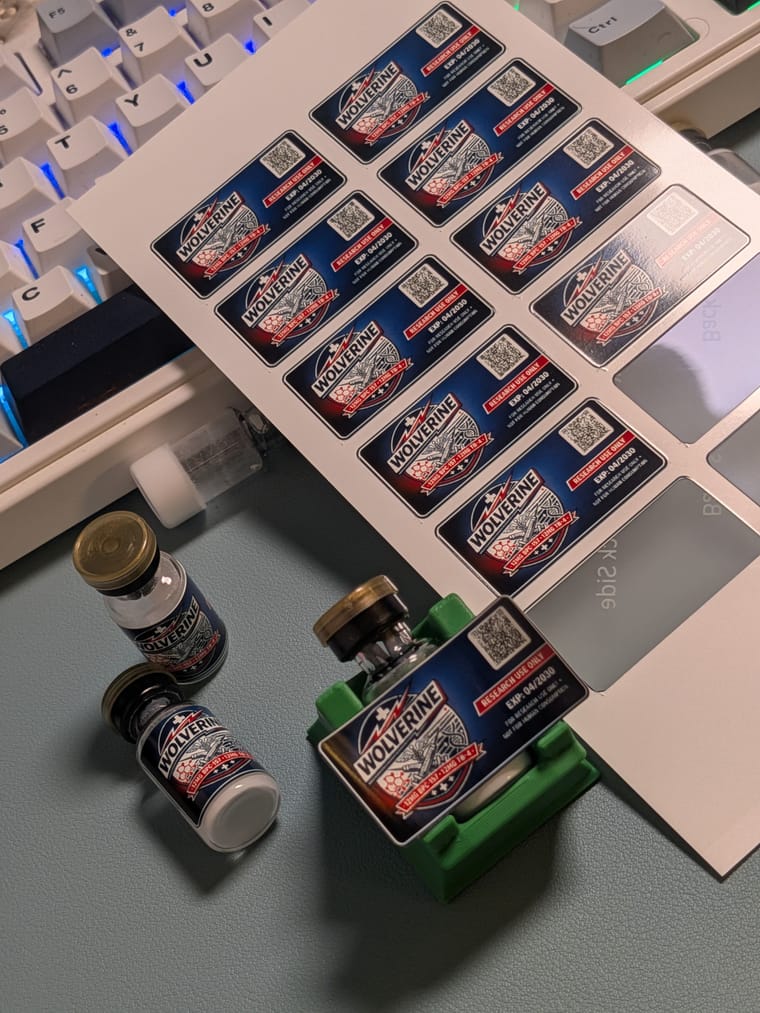
  • Oldest to Newest
  • Newest to Oldest
  • Most Votes
Reply
  • Reply as topic
Log in to reply
This topic has been deleted. Only users with topic management privileges can see it.
  • RandyR Randy

    I ordered the liene sticker maker to up my label game. Instead I'm just making stickers.
    PXL_20260414_071033375.jpg

    B Online
    B Online
    brandenscheidecker
    wrote last edited by
    #38

    @Randy said in Label Makers:

    I ordered the liene sticker maker to up my label game. Instead I'm just making stickers.
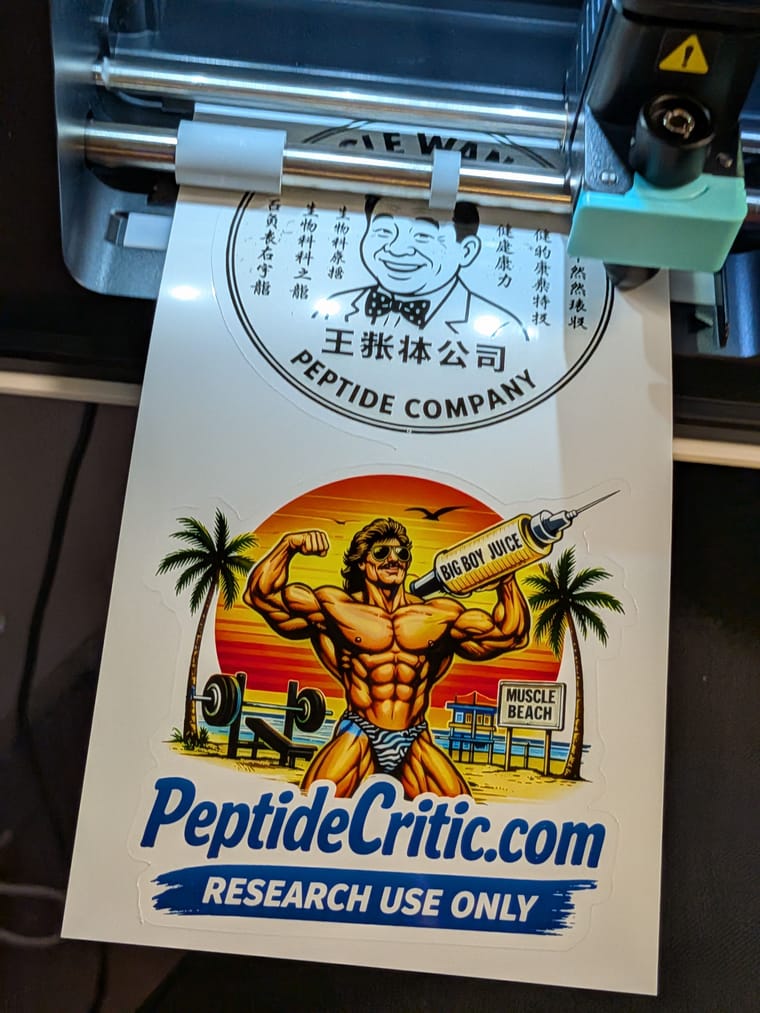
    PXL_20260414_071033375.jpg

    I wish I would not have seen this! lol

    1 Reply Last reply
    2
    • C Offline
      C Offline
      Commander
      wrote last edited by
      #39

      @Randy said in Label Makers:

      PXL_20260305_233059241.jpg

      How do you print 2 different colors on one label with the m2?

      Please excuse my typos. Small Phone & Bad Eyes

      J 1 Reply Last reply
      0
      • C Commander

        @Randy said in Label Makers:

        PXL_20260305_233059241.jpg

        How do you print 2 different colors on one label with the m2?

        RandyR Offline
        RandyR Offline
        Randy
        wrote last edited by
        #40

        @Commander make the label in the niimbot software. Copy whatever you want in another color to another template and remove it from the original. print color 1. Re roll the labels and reload the printer with the labels and a new tape. print color 2. You lose labels in this process because niimbot has rfid in each spool and counts how many youve used.

        "If it doesnt come in a needle. It doesn't work"

        1 Reply Last reply
        0
        • A Online
          A Online
          Anthony
          wrote last edited by
          #41

          I have been super happy with the M2. Using a combo of Grok and ChatGPT… I was able to create a fun, fake company name, design a label, add the QR code, and any other info. I use this as a base template and add/modify info as needed. I was planning to do the color route, but was more than pleased with the outcome of this instead.
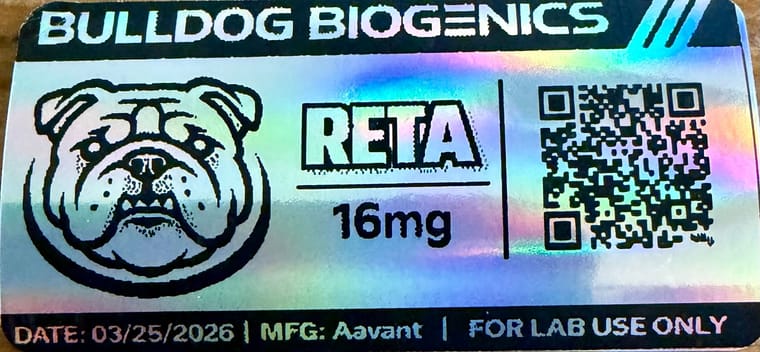
          IMG_4094.jpeg

          1 Reply Last reply
          3
          • J Offline
            J Offline
            Juan Doe
            wrote last edited by
            #42

            Just received my M2. The only thing is that I would like a higher dpi? Don’t know why, could be my ocd, but I’m having a hard time believing the QR codes will work.
            But I guess 300dpi is the new standard?

            A 1 Reply Last reply
            0
            • J Juan Doe

              Just received my M2. The only thing is that I would like a higher dpi? Don’t know why, could be my ocd, but I’m having a hard time believing the QR codes will work.
              But I guess 300dpi is the new standard?

              A Online
              A Online
              Anthony
              wrote last edited by
              #43

              @Juan-Doe My QR codes work, even on holographic paper, which makes it more challenging to read in general. I found the trick was to use a site like bitly.com to produce a shortened url for the original QR code, which simplifies the QR pattern and makes it easier for the camera to read. It works very well.

              1 Reply Last reply
              1
              • MyBM Offline
                MyBM Offline
                MyB
                wrote last edited by
                #44

                I’ve found if I crop my QR to about 1cm they scan while on the bottle. If I leave them large like the peptide critic label template they won’t scan when placed on the bottle.

                1 Reply Last reply
                0
                • C Commander

                  @Randy said in Label Makers:

                  PXL_20260305_233059241.jpg

                  How do you print 2 different colors on one label with the m2?

                  J Offline
                  J Offline
                  Juan Doe
                  wrote last edited by
                  #45

                  @Commander do you or anyone pay for niimbot VIP? I get 3 free months with subscription.

                  1 Reply Last reply
                  0
                  • C Offline
                    C Offline
                    Commander
                    wrote last edited by
                    #46

                    I didn’t

                    Please excuse my typos. Small Phone & Bad Eyes

                    1 Reply Last reply
                    0
                    • C Offline
                      C Offline
                      Commander
                      wrote last edited by
                      #47

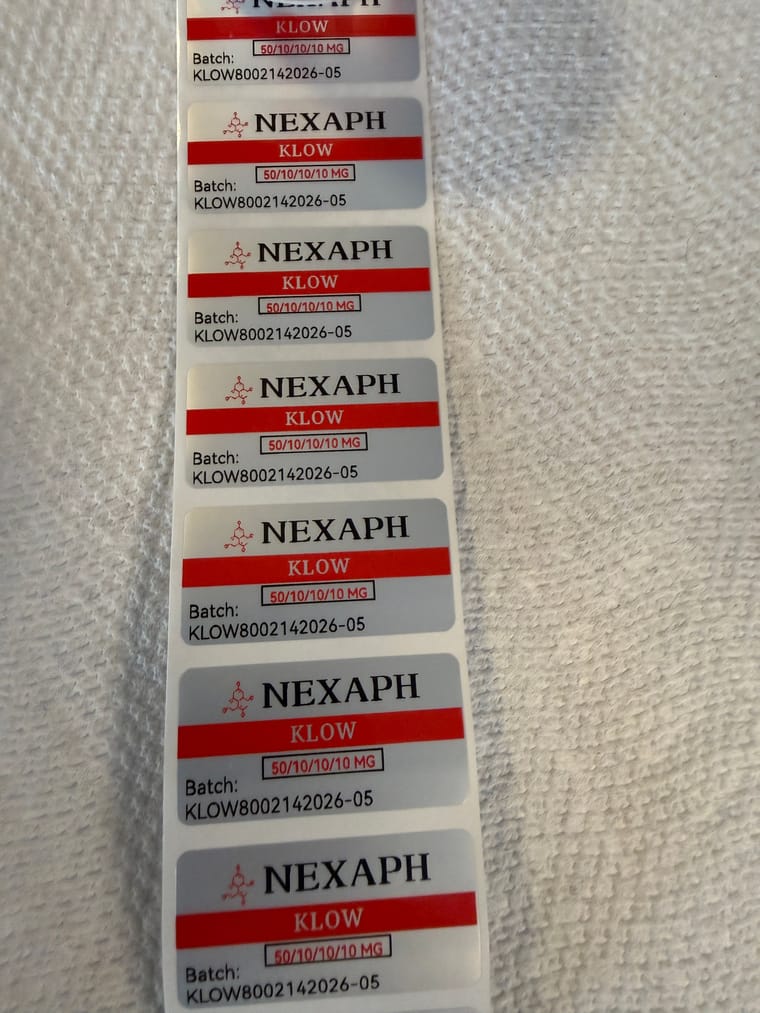
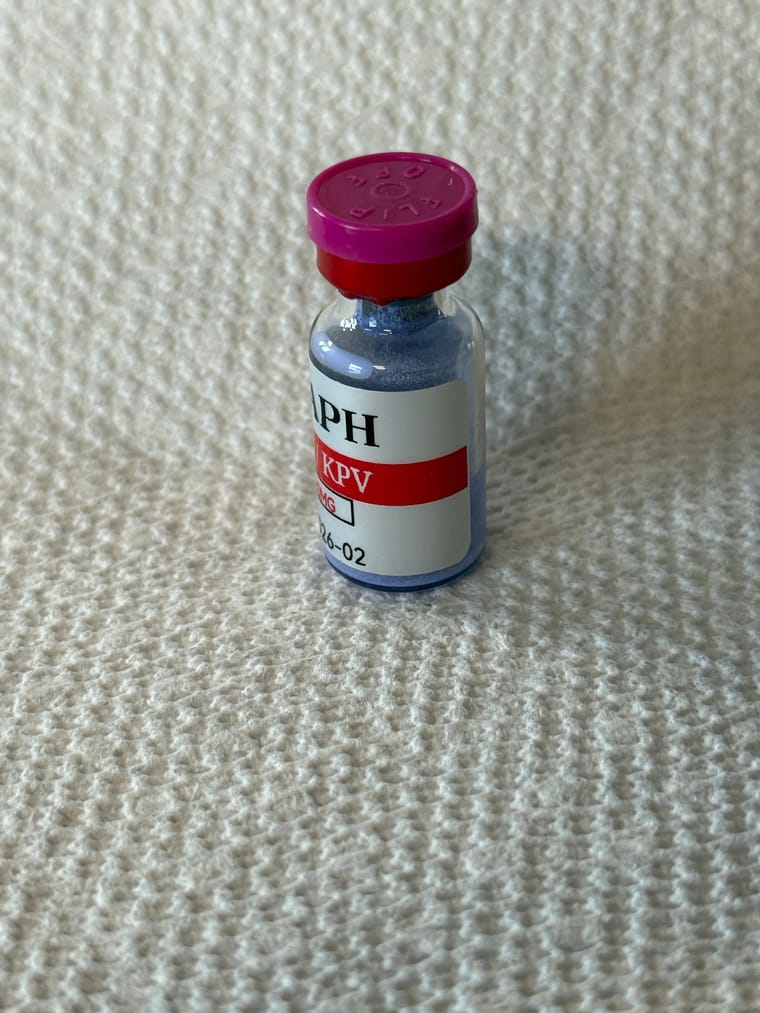
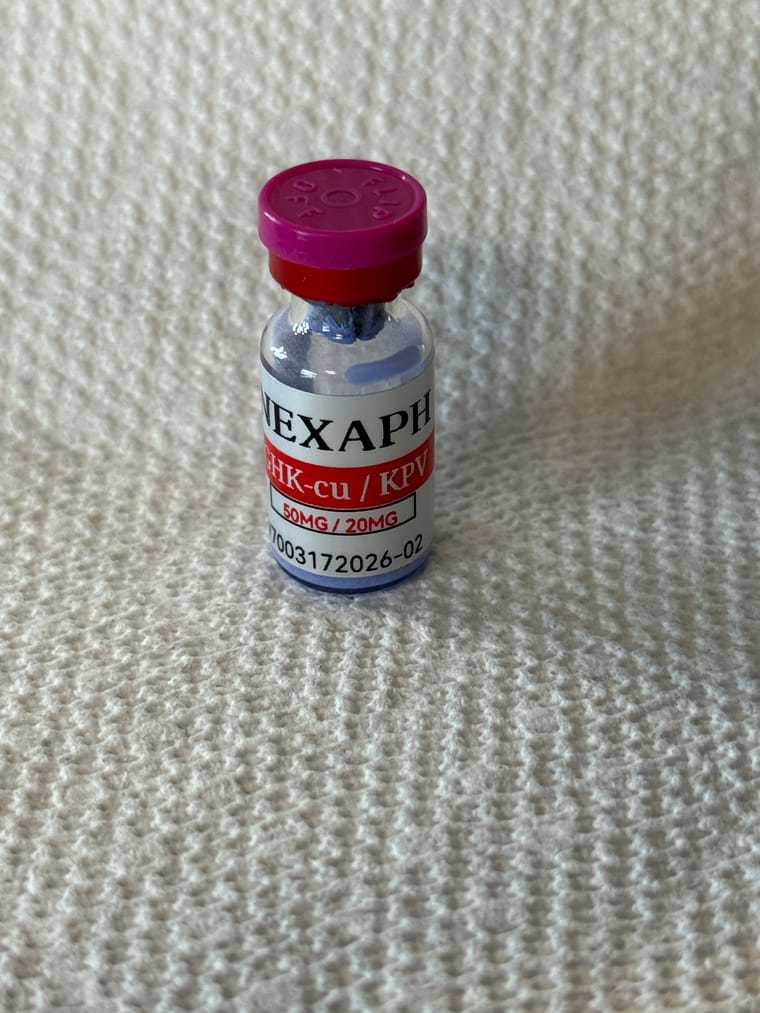
                      Here are some labels I made on the M2…

                      IMG_1860.jpeg
                      IMG_1859.jpeg
                      IMG_1858.jpeg
                      IMG_1857.jpeg

                      Please excuse my typos. Small Phone & Bad Eyes

                      RandyR 1 Reply Last reply
                      4
                      • J Offline
                        J Offline
                        Juan Doe
                        wrote last edited by
                        #48

                        How do you get two colors?

                        1 Reply Last reply
                        0
                        • C Offline
                          C Offline
                          Commander
                          wrote last edited by
                          #49

                          If you look up a few posts Randy explained how to do it. You basically have to create 2 exact labels, 1 with the red print on it and 1 with the black print on it. Print 1 color, rewind the labels then “print over them” again with the other color. This is on the Nimbot M2.
                          Nimbot supposedly has a printer that will print 2 colors, I just have to figure out what model it is…

                          Please excuse my typos. Small Phone & Bad Eyes

                          1 Reply Last reply
                          0
                          • WisGal64W Online
                            WisGal64W Online
                            WisGal64
                            wrote last edited by
                            #50

                            I created my first label, love this little label maker!
                            IMG_2161.jpg

                            “Currently in a committed relationship with my plateau. Waiting for my receptor reset to file for divorce”

                            1 Reply Last reply
                            4
                            • C Commander

                              Here are some labels I made on the M2…

                              IMG_1860.jpeg
                              IMG_1859.jpeg
                              IMG_1858.jpeg
                              IMG_1857.jpeg

                              RandyR Offline
                              RandyR Offline
                              Randy
                              wrote last edited by
                              #51

                              @Commander Thats hot

                              "If it doesnt come in a needle. It doesn't work"

                              1 Reply Last reply
                              0
                              • RandyR Randy

                                The silvers dont work with the b21. I still use the b21 and its great. It also doesnt require tapes, or have a microchip that scans the roll to make sure its a niimbot brand like the m2. The m2 is a bit annoying for a lot of reasons but you get different label options.

                                K Online
                                K Online
                                kmckinley
                                wrote last edited by
                                #52

                                @Randy Just the basic B21 or the B21 Pro?

                                1 Reply Last reply
                                0
                                • RandyR Offline
                                  RandyR Offline
                                  Randy
                                  wrote last edited by
                                  #53

                                  Either if you are just doing thermal black and white. I think i have a pro

                                  "If it doesnt come in a needle. It doesn't work"

                                  1 Reply Last reply
                                  0
                                  • RandyR Offline
                                    RandyR Offline
                                    Randy
                                    wrote last edited by
                                    #54

                                    I bought this to make stickers. Now im making expensive over designed labels 🫪

                                    PXL_20260419_222612588.jpg

                                    "If it doesnt come in a needle. It doesn't work"

                                    A C 2 Replies Last reply
                                    5
                                    • RandyR Randy

                                      I bought this to make stickers. Now im making expensive over designed labels 🫪

                                      PXL_20260419_222612588.jpg

                                      A Offline
                                      A Offline
                                      afkar7
                                      wrote last edited by
                                      #55

                                      @Randy said in Label Makers:

                                      I bought this to make stickers. Now im making expensive over designed labels 🫪
                                      PXL_20260419_222612588.jpg

                                      Dude, you're killing me here. That's awesome.

                                      1 Reply Last reply
                                      1
                                      • quicksilver80Q Offline
                                        quicksilver80Q Offline
                                        quicksilver80
                                        wrote last edited by
                                        #56

                                        would be funny to do some like hardcore band script labels. text entirely unreadable. because readings for squares or whatever.

                                        1 Reply Last reply
                                        0
                                        • RandyR Randy

                                          I bought this to make stickers. Now im making expensive over designed labels 🫪

                                          PXL_20260419_222612588.jpg

                                          C Offline
                                          C Offline
                                          Commander
                                          wrote last edited by
                                          #57

                                          @Randy said in Label Makers:

                                          I bought this to make stickers. Now im making expensive over designed labels 🫪

                                          PXL_20260419_222612588.jpg

                                          Ok, I need that whatever it is…
                                          So what printer is that and where doI get it?

                                          The forum is going to get me divorced 🤣

                                          Please excuse my typos. Small Phone & Bad Eyes

                                          RandyR B 2 Replies Last reply
                                          1
                                          Reply
                                          • Reply as topic
                                          Log in to reply
                                          • Oldest to Newest
                                          • Newest to Oldest
                                          • Most Votes


                                          • Login

                                          • Login or register to search.
                                          • First post
                                            Last post
                                          0
                                          • Categories
                                          • Recent
                                          • Tags
                                          • Popular
                                          • World
                                          • Users
                                          • Groups