

Simplifying Labels
-
Bro, this kicks ass! (Honey, Randy is costing me money again!)
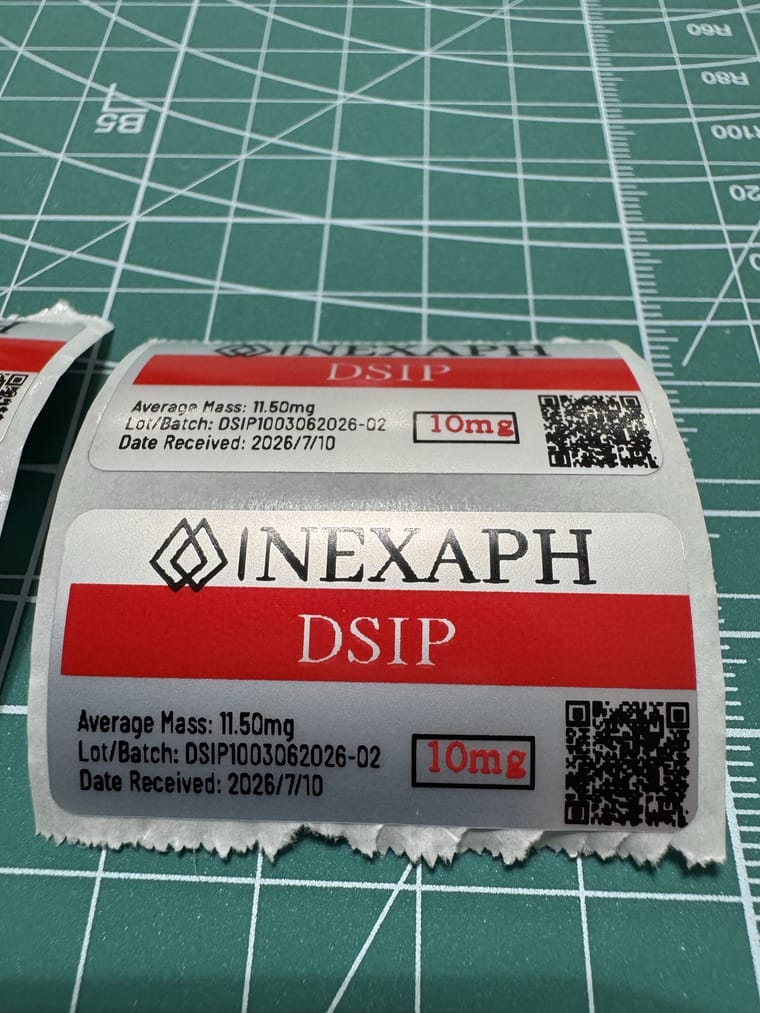
And now I am going to sit back and wait for the shitstorm on that ARA-290 cake.

-
I have a Brother P-Touch that I have used for years in my household organization. I think labels for my pens with that. I’m working right now so I don’t have any with me to take a picture. I also have purchased some labels off of Etsy. Admittedly, they look better than the ones that I make. However I do the job.
-
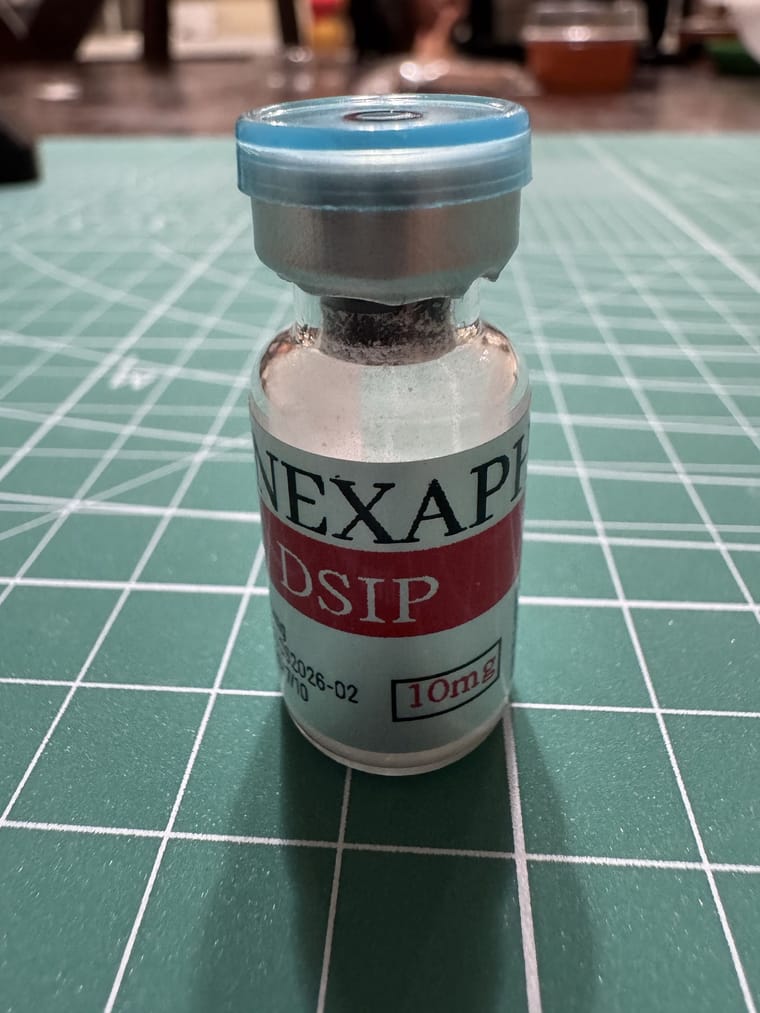
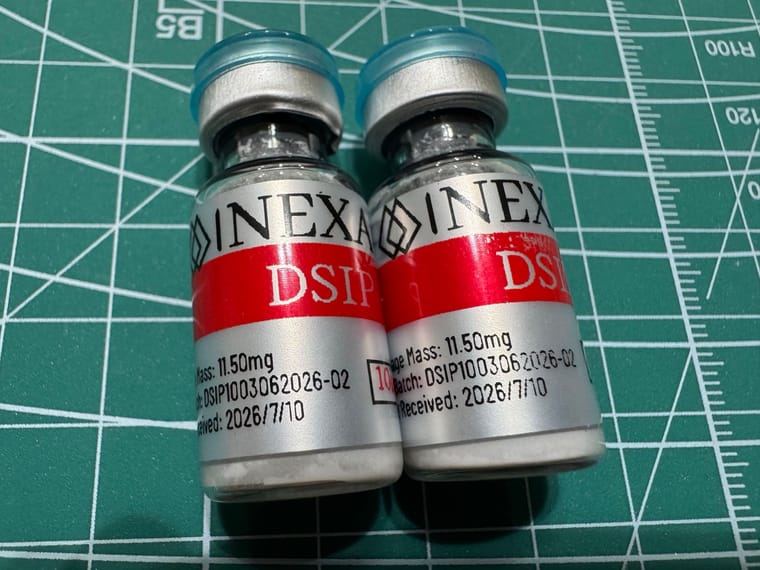
@ResearchCat thats the nexaph factory seconds or whatever they are calling them. Recons fine and i had it tested....but it looks horrible
@ResearchCat thats the nexaph factory seconds or whatever they are calling them. Recons fine and i had it tested....but it looks horrible
It don’t bother me none, I just know some people lose they damn minds when a cake isn’t perfect. Or. When. It. Is. PINK!
-
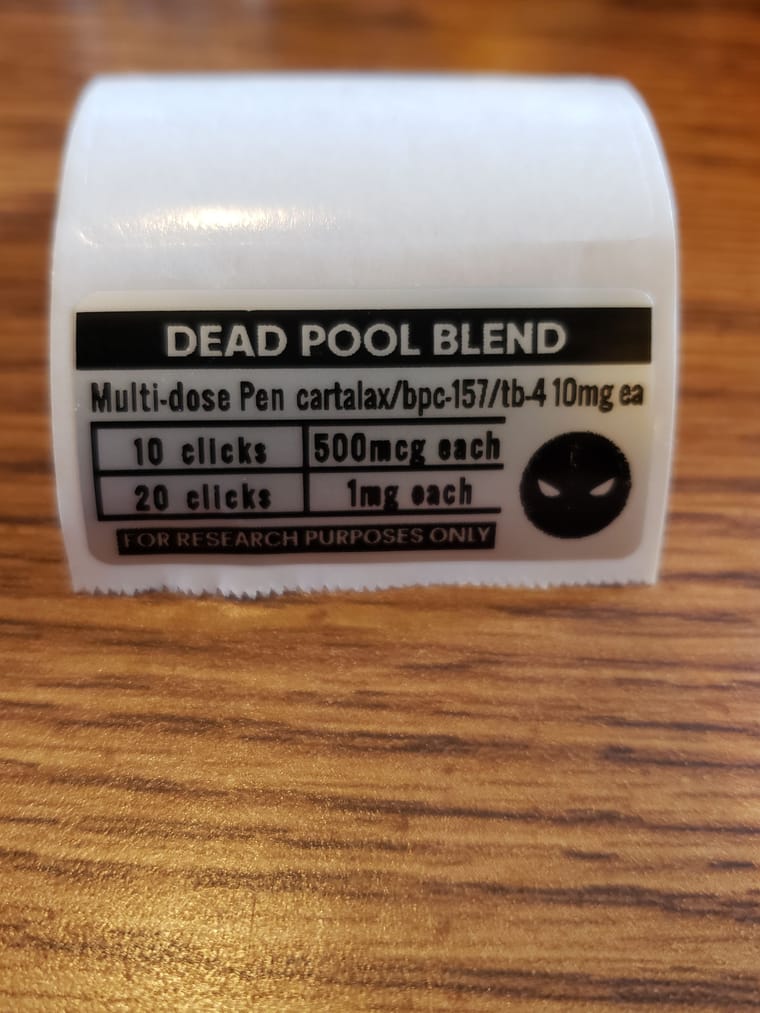
Tried to do a better Deadpool label today was a fail. I'll have to keep at it. The logo was red and black and did not go into nimbots app very well. It's gotta be my worse try yet, so only up from here
-
I’m planning on getting a Niimbot M2 to make labels, but the whole RFID thing sucks. Then I saw there are groups dedicated to jailbreaking Niimbots, so I might have to deep dive into another topic altogether.
I also don’t like that you can’t print two colors at once. Doing one layer with one ribbon and then another with a different ribbon seems like it would just burn through whatever the RFID is tracking.
-
As some of you know I go off the deep end with labels. I may have bought a die-cut sticker printer just to make some funny stickers for giveaways and now I use them to label everything.
Here's a few examples.
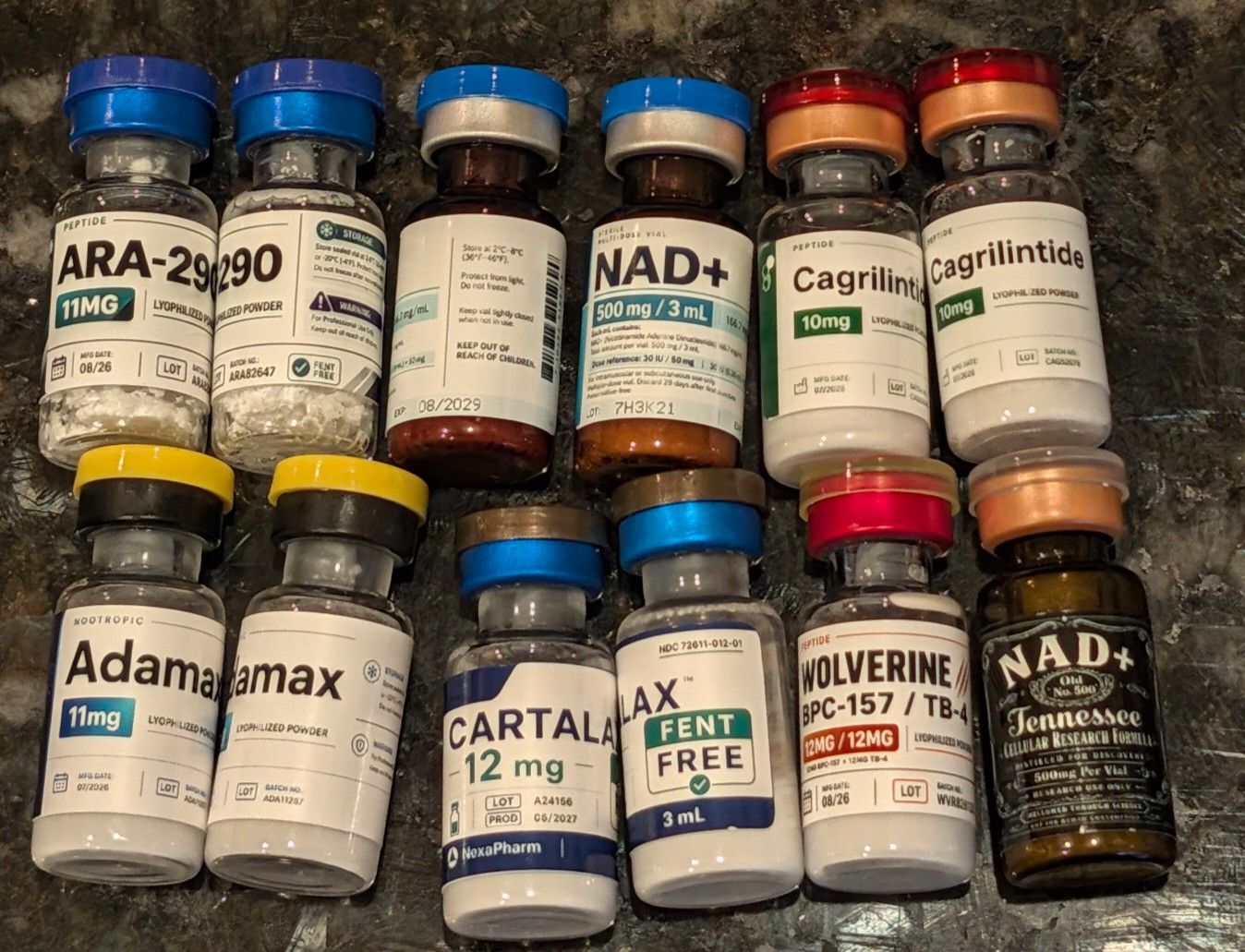
Tonight I grabbed the niimbot and realized I had some white tape and clear labels. Surprisingly, I don't know why I haven't been doing this more often. Really looks nice against the V4 plastique and I tried it on a few other pens. It looks good, It's easy to read and I don't waste 30 minutes trying to get something that looks awesome that three people might see
 .
.I guess the point of this post is keep it simple.
Oh and lets see your labels!
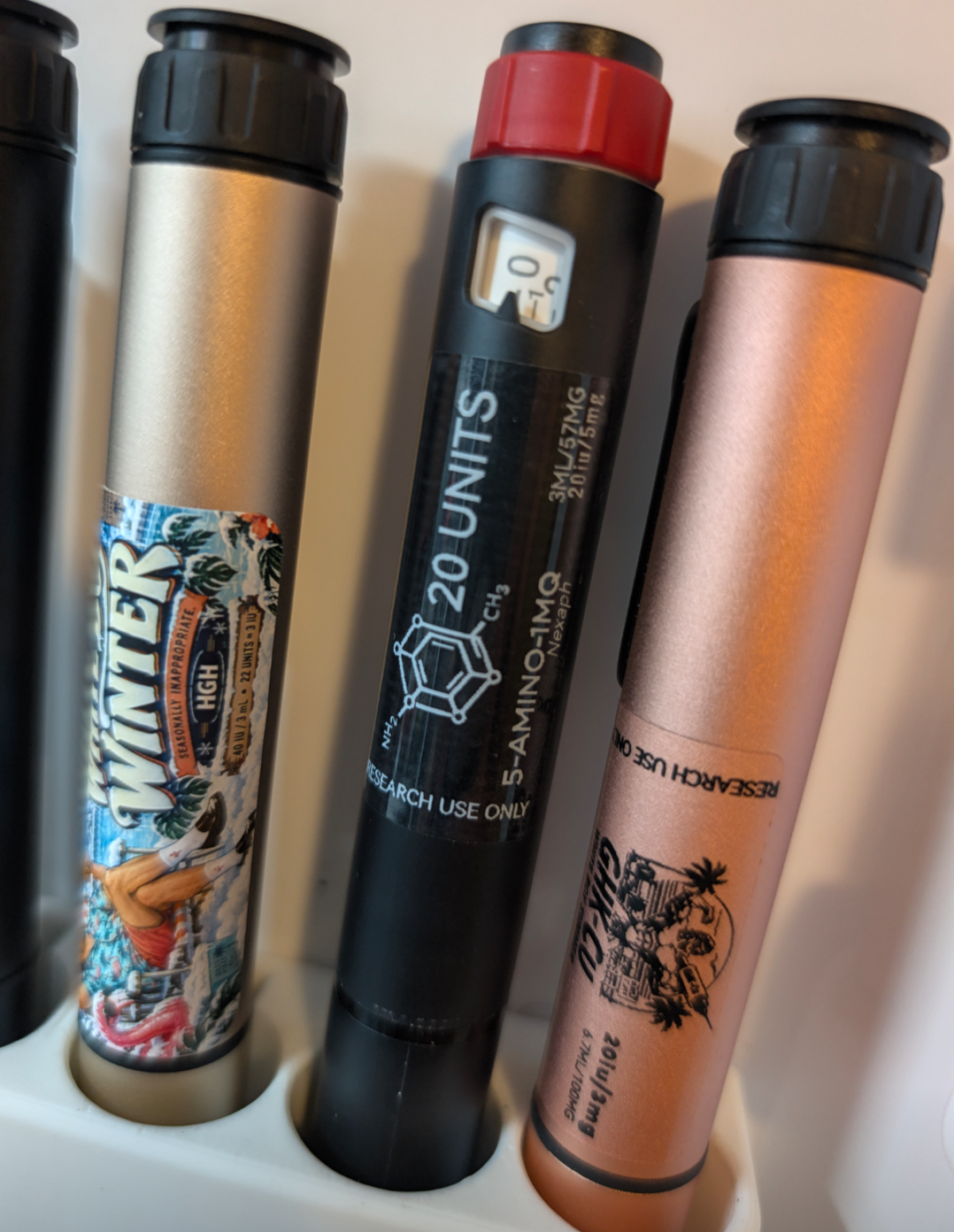
@Randy those labels are fire! Curious what the make/model of the die-cut sticker printer you use.
-
@Randy those labels are fire! Curious what the make/model of the die-cut sticker printer you use.
@Randy those labels are fire! Curious what the make/model of the die-cut sticker printer you use.
Looks like a pixecut S1
-
I’m planning on getting a Niimbot M2 to make labels, but the whole RFID thing sucks. Then I saw there are groups dedicated to jailbreaking Niimbots, so I might have to deep dive into another topic altogether.
I also don’t like that you can’t print two colors at once. Doing one layer with one ribbon and then another with a different ribbon seems like it would just burn through whatever the RFID is tracking.
@Reactive3078 Please keep us updated on beating the RFID thing! I'm trying to join the Peptide Niimbot TG and their FAQs claim you can't do much about the RFID issues
I'm sure you're aware, but there is ONE multicolor ribbon for the M2, black and red only, but I haven't tried it out yet
-
I actually just got a M2 this week and started playing with the multicolor printing
For anyone who's concerned it's too much work, it's definitely really quick and easy to figure out!
Unfortunately, it's another rabbit hole that can lead to fixation and spending...lol. I've been spending a lot of time on TG looking at other people's templates to use, and then basically bought every color ribbon and paper that would work for my printer. Snort that adalank and give it a shot!!
-
@Reactive3078 Please keep us updated on beating the RFID thing! I'm trying to join the Peptide Niimbot TG and their FAQs claim you can't do much about the RFID issues
I'm sure you're aware, but there is ONE multicolor ribbon for the M2, black and red only, but I haven't tried it out yet
@NobleONe From what I’ve read, you need to remove the RFID chip from a roll and use custom firmware. I need to double-check the steps, but apparently you place the chip near the bottom of the Niimbot, start printing, and then move it out of the way. My understanding is that if you turn the printer off or bring the chip back near it, it’ll count all the prints made while the chip was out of the way.
I did see the black and red ribbon, but from the examples on the Niimbot website, I thought you could only print black on the left side and red on the right.


Hello! It looks like you're interested in this conversation, but you don't have an account yet.
Getting fed up of having to scroll through the same posts each visit? When you register for an account, you'll always come back to exactly where you were before, and choose to be notified of new replies (either via email, or push notification). You'll also be able to save bookmarks and upvote posts to show your appreciation to other community members.
With your input, this post could be even better 💗
Register Login