Skip to content
  • Categories
  • Recent
  • Tags
  • Popular
  • World
  • Users
  • Groups
Skins
  • Light
  • Brite
  • Cerulean
  • Cosmo
  • Flatly
  • Journal
  • Litera
  • Lumen
  • Lux
  • Materia
  • Minty
  • Morph
  • Pulse
  • Sandstone
  • Simplex
  • Sketchy
  • Spacelab
  • United
  • Yeti
  • Zephyr
  • Dark
  • Cyborg
  • Darkly
  • Quartz
  • Slate
  • Solar
  • Superhero
  • Vapor

  • Default (Zephyr)
  • No Skin
Collapse
Peptide Critic Community Peptide Critic Community
  1. Peptide Forum
  2. Supplies, Mixing & Storage
  3. NIIMBOT M2: Sharing Labels/Templates
Prize
Three Pens + Filters & Cartridges
Ends in
11951 entries · 4888 participants
Enter →

NIIMBOT M2: Sharing Labels/Templates

Scheduled Pinned Locked Moved Supplies, Mixing & Storage
19 Posts 6 Posters 561 Views 2 Watching
  • Oldest to Newest
  • Newest to Oldest
  • Most Votes
Reply
  • Reply as topic
Log in to reply
This topic has been deleted. Only users with topic management privileges can see it.
  • N Offline
    N Offline
    NobleONe
    wrote last edited by NobleONe
    #1

    I have been on a NIIMBOT M2 high lately, spending a lot of time on the Nexaph and Peptide Niimbot TG and playing with a few basic templates.

    I wanted to create a master thread on this forum for people to share their M2 templates seeing as how not everyone is on TG.

    To open a template:

    1. Copy the odd text for the template in its entirety
    2. Open your NIIMBOT app
    3. A dialogue box will appear in the app asking if you would like to "Allow Paste" > Allow the paste
    4. The template should open and you edit it to your hearts desire

    Let me know if this is NOT the correct way to share templates as this is a work in progress for me too, especially since I am trying to do this on my PC rather than my phone.

    To share a template:

    1. Go to your Niimbot app
    2. From the main menu > Click on the 3 dots > share
    3. The app is quirky and only gives you 2 options: Message and WhatsApp
    4. Paste it into your messenger app (or anywhere, it doesn't matter)
    5. Cut it from the messenger app and paste into the forum or wherever else you want to put it (this is the part that's a bit of a struggle for me because I don't use the forum on mobile)
    6. Still need to confirm this actually works for everyone
    pep_researcherP 1 Reply Last reply
    3
    • N Offline
      N Offline
      NobleONe
      wrote last edited by NobleONe
      #2

      Copy and paste this into your Niimbot app to download the template for this 3mL vial I made specifically for my Nexaph stock:

      【Nexaph: 3ML Vials(40*20)】,After copying this information⊙6ac01f46bb0d57197512f274⊙,Open👉NIIMBOT👈。

      image2.jpg
      image.jpg

      L 1 Reply Last reply
      4
      • N Offline
        N Offline
        NobleONe
        wrote last edited by NobleONe
        #3

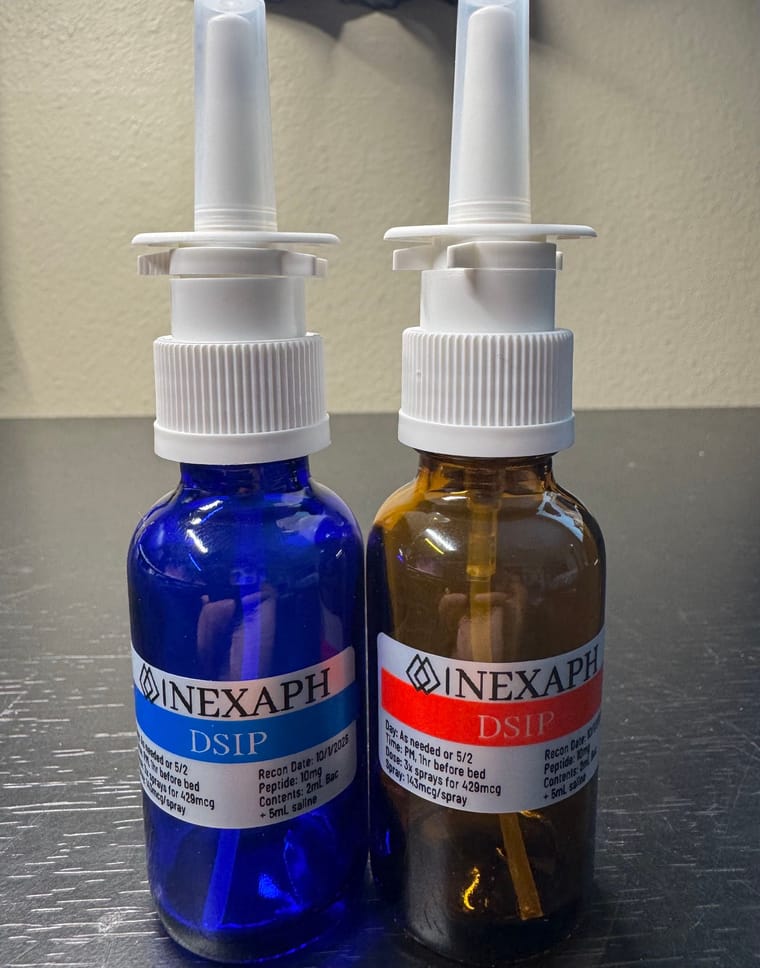
        Copy and paste this into your Niimbot app to download the template for nasal sprayers:

        【Nexaph: Nasal Sprayer(40*20)】,After copying this information⊙6ac01f6d98419e5047d22a99⊙,Open👉NIIMBOT👈。

        image3.jpg

        1 Reply Last reply
        3
        • N Offline
          N Offline
          Nuncles
          wrote last edited by
          #4

          How do you share the template?

          N 1 Reply Last reply
          1
          • N Nuncles

            How do you share the template?

            N Offline
            N Offline
            NobleONe
            wrote last edited by
            #5

            @Nuncles You made me realize I should update the original post, ty!

            To share a template:

            1. Go to your Niimbot app
            2. From the main menu > Click on the 3 dots > share
            3. The app is quirky and only gives you 2 options: Message and WhatsApp
            4. Paste it into your messenger app (or anywhere, it doesn't matter)
            5. Cut it from the messenger app and paste into the forum or wherever else you want to put it (this is the part that's a bit of a struggle for me because I don't use the forum on mobile)
            6. Still need to confirm this actually works for everyone
            1 Reply Last reply
            1
            • M Online
              M Online
              MikeMiranda
              wrote last edited by
              #6
              This post is deleted!
              L 1 Reply Last reply
              1
              • M MikeMiranda

                This post is deleted!

                L Offline
                L Offline
                lexc
                wrote last edited by
                #7

                @MikeMiranda I just downloaded Telegram to view this, having trouble. What am I missing?

                N 1 Reply Last reply
                0
                • M Online
                  M Online
                  MikeMiranda
                  wrote last edited by
                  #8

                  you have to join the group they are a little slow to add people I've noticed

                  L 1 Reply Last reply
                  0
                  • L lexc

                    @MikeMiranda I just downloaded Telegram to view this, having trouble. What am I missing?

                    N Offline
                    N Offline
                    NobleONe
                    wrote last edited by
                    #9

                    @lexc Nexaph has a 3D printer and label channel as well. You basically have everything you need with both, but PeppyNiimbot has a lot of awesome info for getting started

                    L 1 Reply Last reply
                    0
                    • N NobleONe

                      @lexc Nexaph has a 3D printer and label channel as well. You basically have everything you need with both, but PeppyNiimbot has a lot of awesome info for getting started

                      L Offline
                      L Offline
                      lexc
                      wrote last edited by
                      #10

                      @NobleONe creating Nexaph labels is exactly what I was looking for! How can I join the channel?

                      N 1 Reply Last reply
                      0
                      • L lexc

                        @NobleONe creating Nexaph labels is exactly what I was looking for! How can I join the channel?

                        N Offline
                        N Offline
                        NobleONe
                        wrote last edited by
                        #11

                        @lexc said:

                        @NobleONe creating Nexaph labels is exactly what I was looking for! How can I join the channel?

                        https://t.me/SNPcomm

                        If you have a M2, and like my labels above, you can follow the directions to get those labels and edit them for your needs

                        1 Reply Last reply
                        1
                        • M MikeMiranda

                          you have to join the group they are a little slow to add people I've noticed

                          L Offline
                          L Offline
                          lexc
                          wrote last edited by
                          #12

                          @MikeMiranda your link just brings me telegram website, but the SNP one worked.

                          M 1 Reply Last reply
                          0
                          • L lexc

                            @MikeMiranda your link just brings me telegram website, but the SNP one worked.

                            M Online
                            M Online
                            MikeMiranda
                            wrote last edited by
                            #13

                            @lexc said:

                            @MikeMiranda your link just brings me telegram website, but the SNP one worked.

                            https://t.me/PeppyNiimbot/85/46912

                            L 1 Reply Last reply
                            1
                            • M MikeMiranda

                              @lexc said:

                              @MikeMiranda your link just brings me telegram website, but the SNP one worked.

                              https://t.me/PeppyNiimbot/85/46912

                              L Offline
                              L Offline
                              lexc
                              wrote last edited by
                              #14

                              @MikeMiranda Thank you

                              1 Reply Last reply
                              0
                              • N NobleONe

                                I have been on a NIIMBOT M2 high lately, spending a lot of time on the Nexaph and Peptide Niimbot TG and playing with a few basic templates.

                                I wanted to create a master thread on this forum for people to share their M2 templates seeing as how not everyone is on TG.

                                To open a template:

                                1. Copy the odd text for the template in its entirety
                                2. Open your NIIMBOT app
                                3. A dialogue box will appear in the app asking if you would like to "Allow Paste" > Allow the paste
                                4. The template should open and you edit it to your hearts desire

                                Let me know if this is NOT the correct way to share templates as this is a work in progress for me too, especially since I am trying to do this on my PC rather than my phone.

                                To share a template:

                                1. Go to your Niimbot app
                                2. From the main menu > Click on the 3 dots > share
                                3. The app is quirky and only gives you 2 options: Message and WhatsApp
                                4. Paste it into your messenger app (or anywhere, it doesn't matter)
                                5. Cut it from the messenger app and paste into the forum or wherever else you want to put it (this is the part that's a bit of a struggle for me because I don't use the forum on mobile)
                                6. Still need to confirm this actually works for everyone
                                pep_researcherP Offline
                                pep_researcherP Offline
                                pep_researcher
                                wrote last edited by
                                #15

                                @NobleONe Does Niimbot M2 print colors? I need some "official" looking labels for my pep vial for an international travel.

                                Someone was kind enough share premade label images but I need a label maker that supports using images and color printing of them.

                                N 1 Reply Last reply
                                0
                                • N NobleONe

                                  Copy and paste this into your Niimbot app to download the template for this 3mL vial I made specifically for my Nexaph stock:

                                  【Nexaph: 3ML Vials(40*20)】,After copying this information⊙6ac01f46bb0d57197512f274⊙,Open👉NIIMBOT👈。

                                  image2.jpg
                                  image.jpg

                                  L Offline
                                  L Offline
                                  lexc
                                  wrote last edited by
                                  #16
                                  This post is deleted!
                                  1 Reply Last reply
                                  0
                                  • pep_researcherP pep_researcher

                                    @NobleONe Does Niimbot M2 print colors? I need some "official" looking labels for my pep vial for an international travel.

                                    Someone was kind enough share premade label images but I need a label maker that supports using images and color printing of them.

                                    N Offline
                                    N Offline
                                    NobleONe
                                    wrote last edited by
                                    #17

                                    @pep_researcher It "kind of does"?

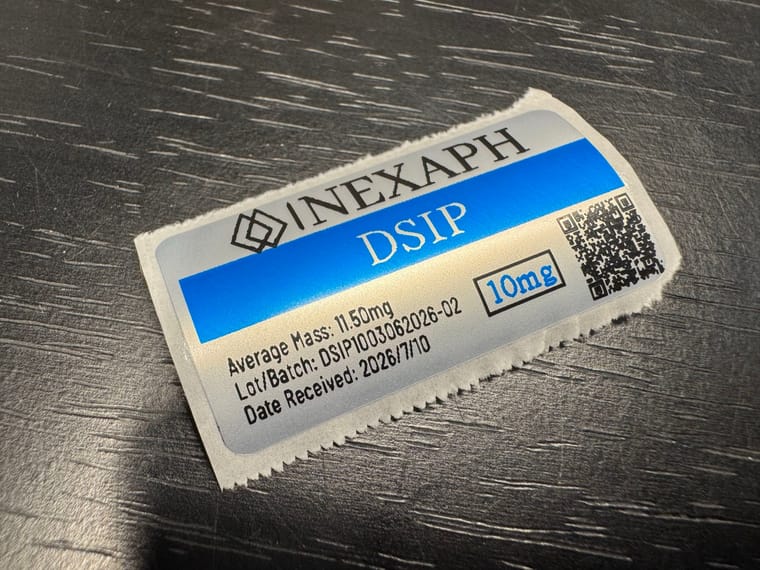
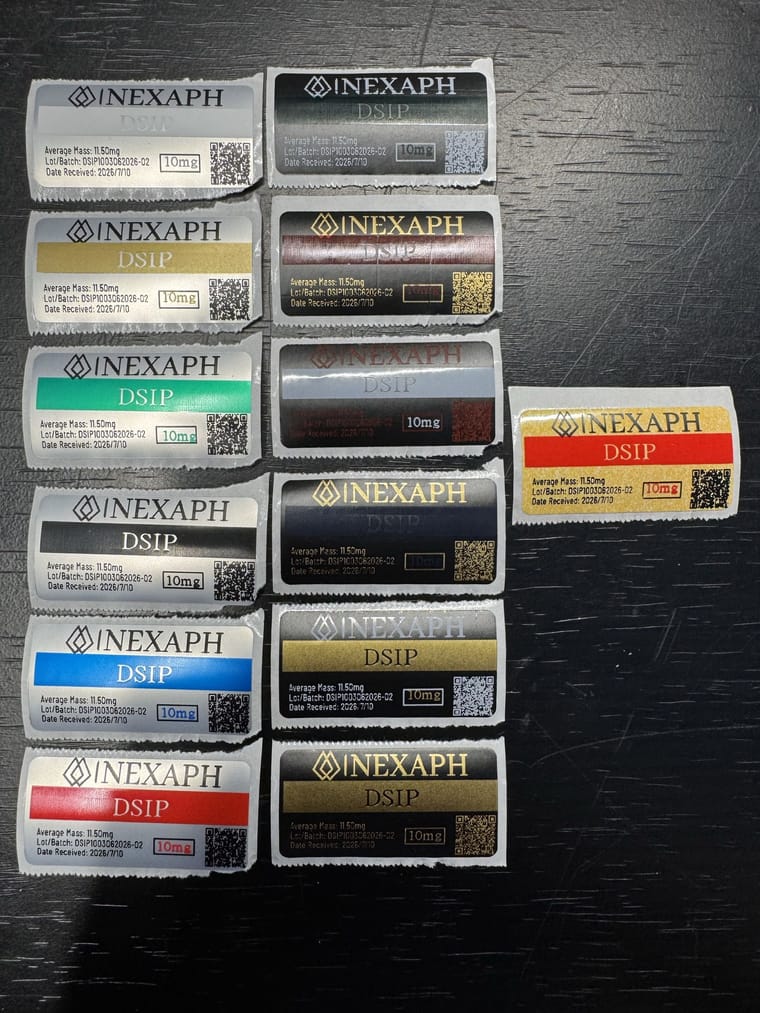
                                    With your paper/label in the printer, you do a "first pass" print in your first color, so I printed the text, QR code on the labels above in black.

                                    I then had to reel the printed label back into the printer, change to a different color ribbon, in the photo above, it was blue, then I printed the top portion (the DSIP banner) by itself over that label.

                                    1 Reply Last reply
                                    1
                                    • D Offline
                                      D Offline
                                      dispensarysupport
                                      wrote last edited by dispensarysupport
                                      #18

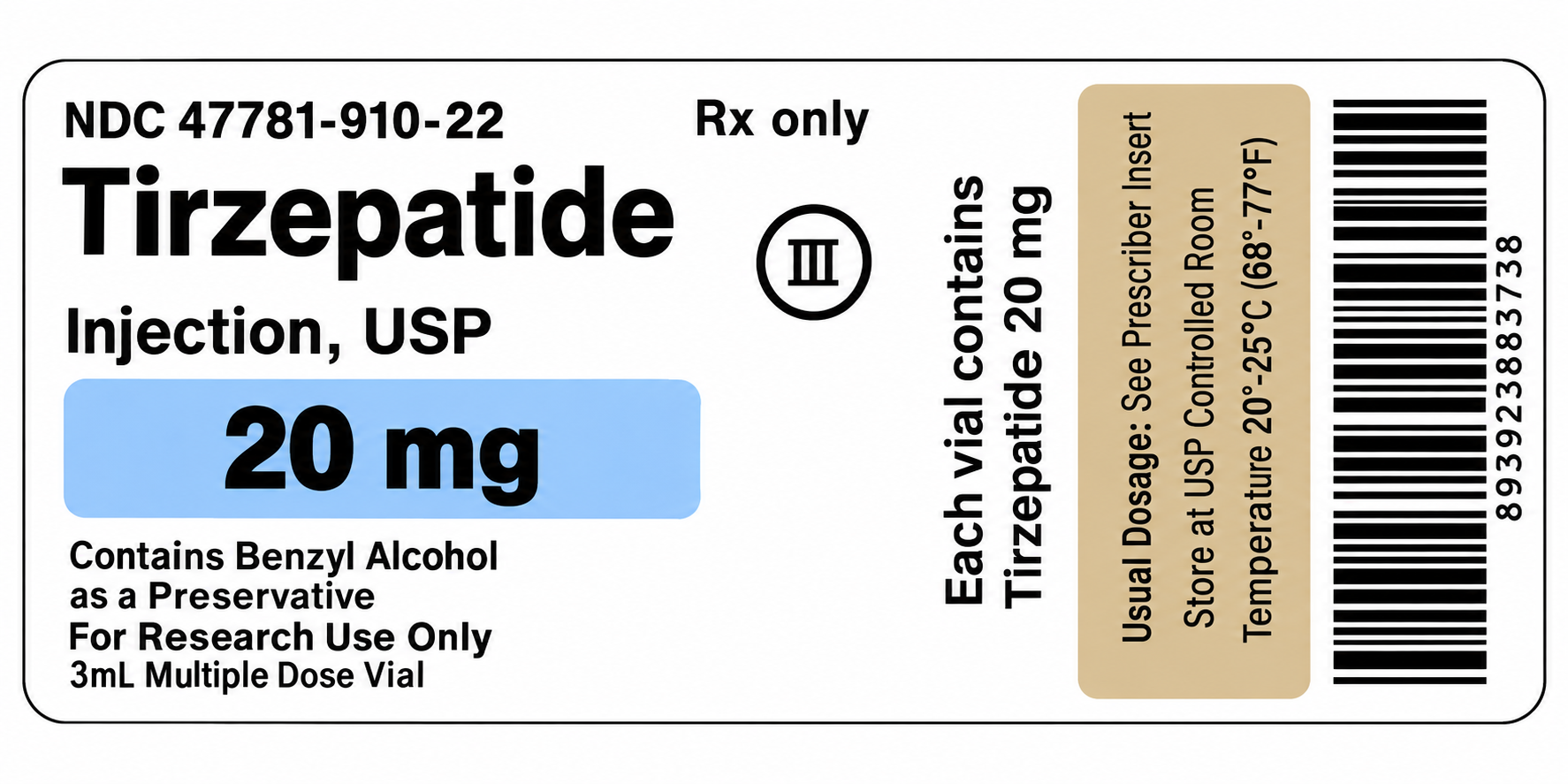
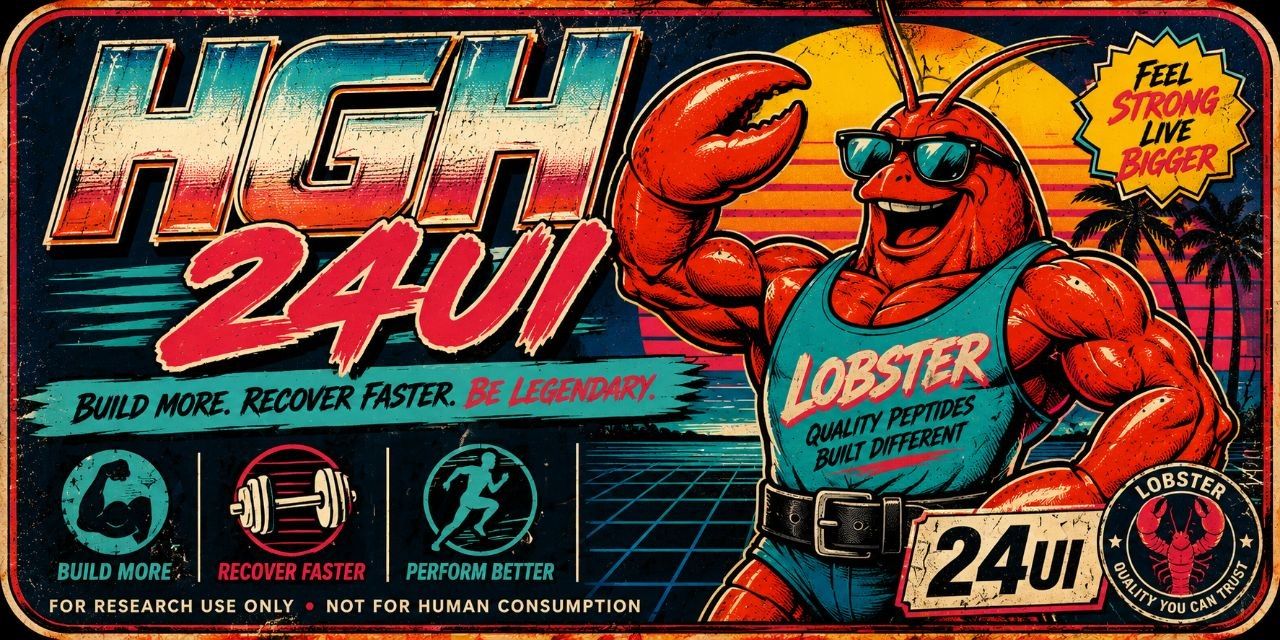
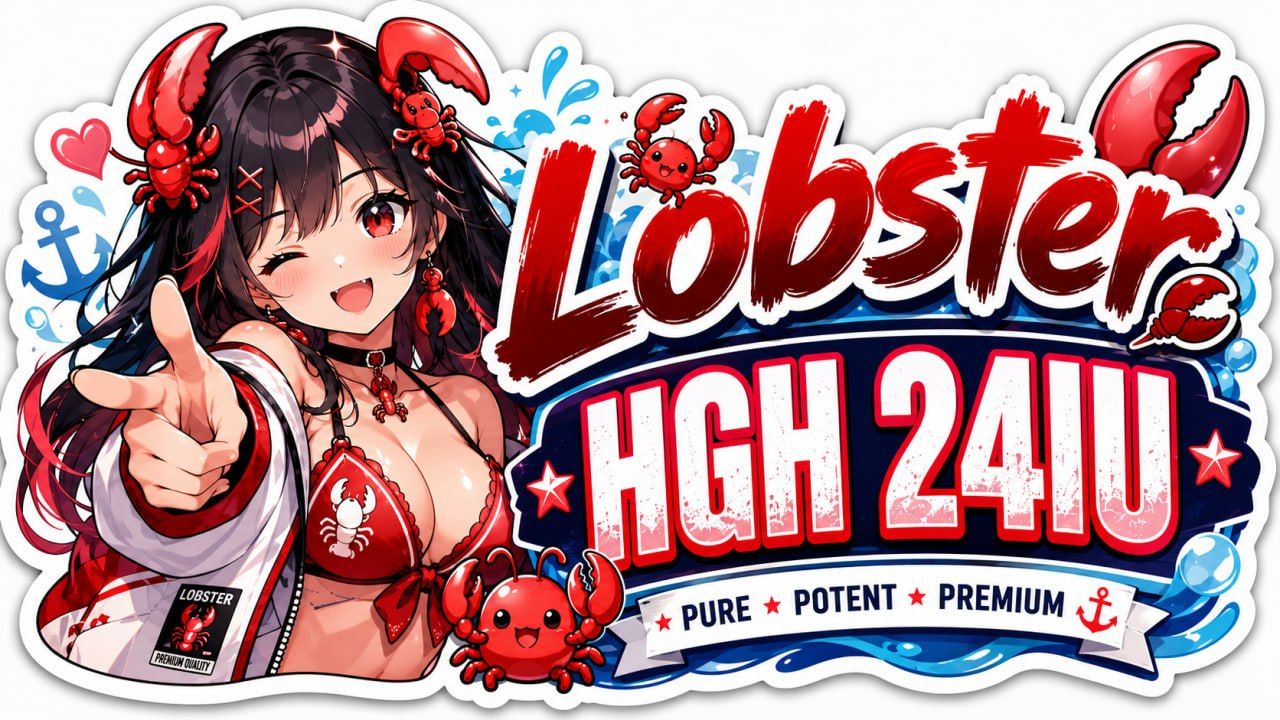
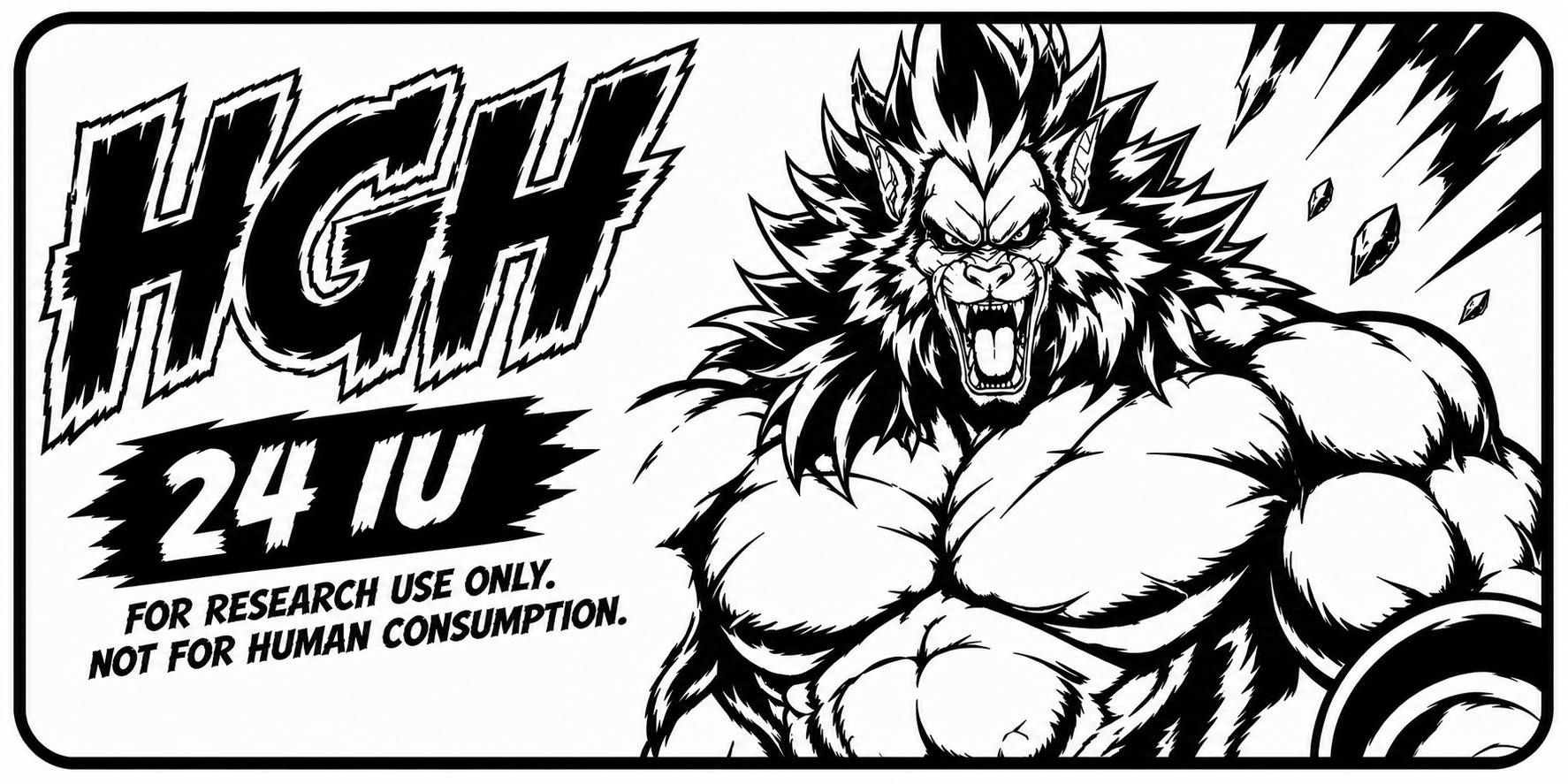
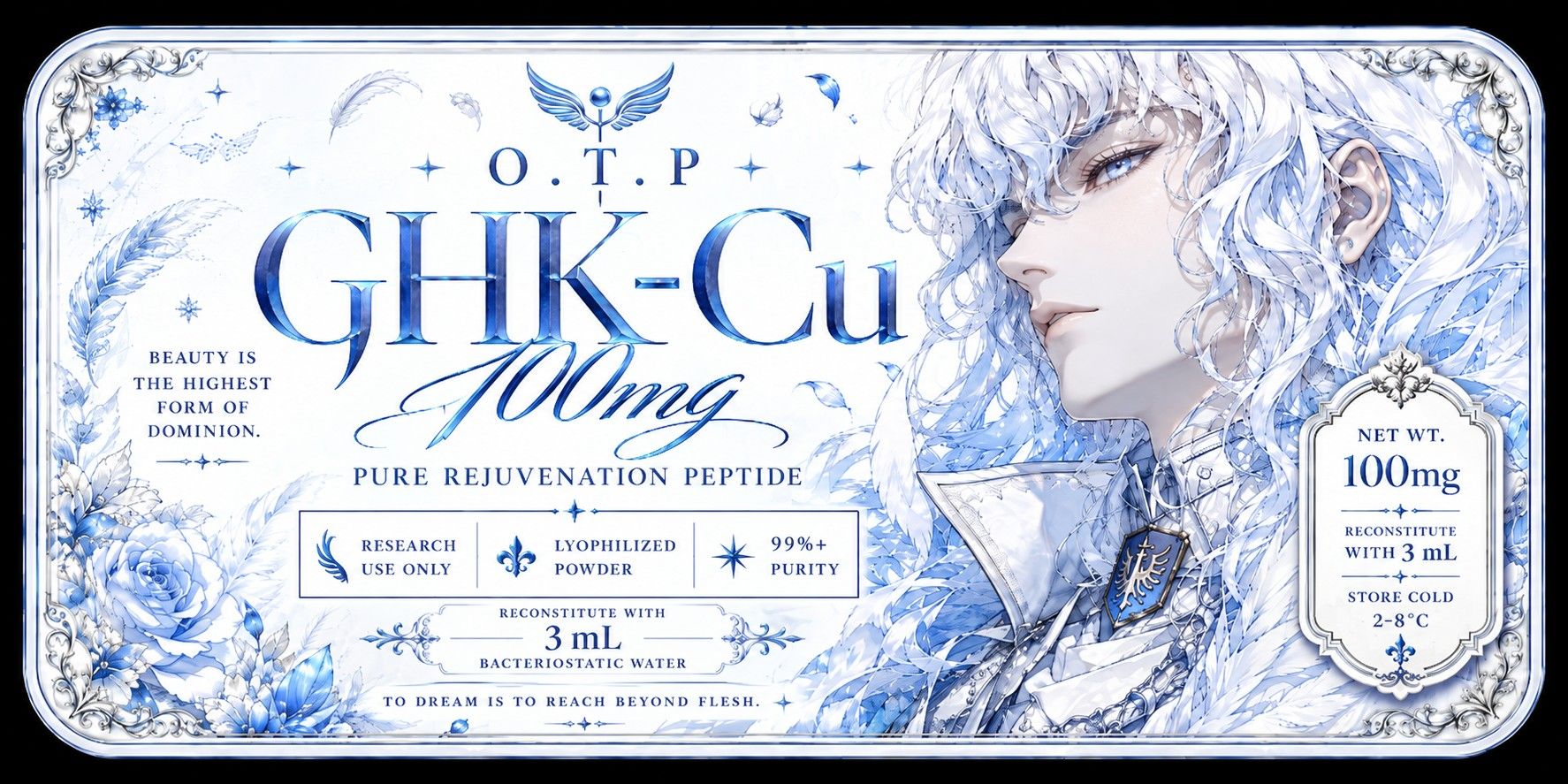
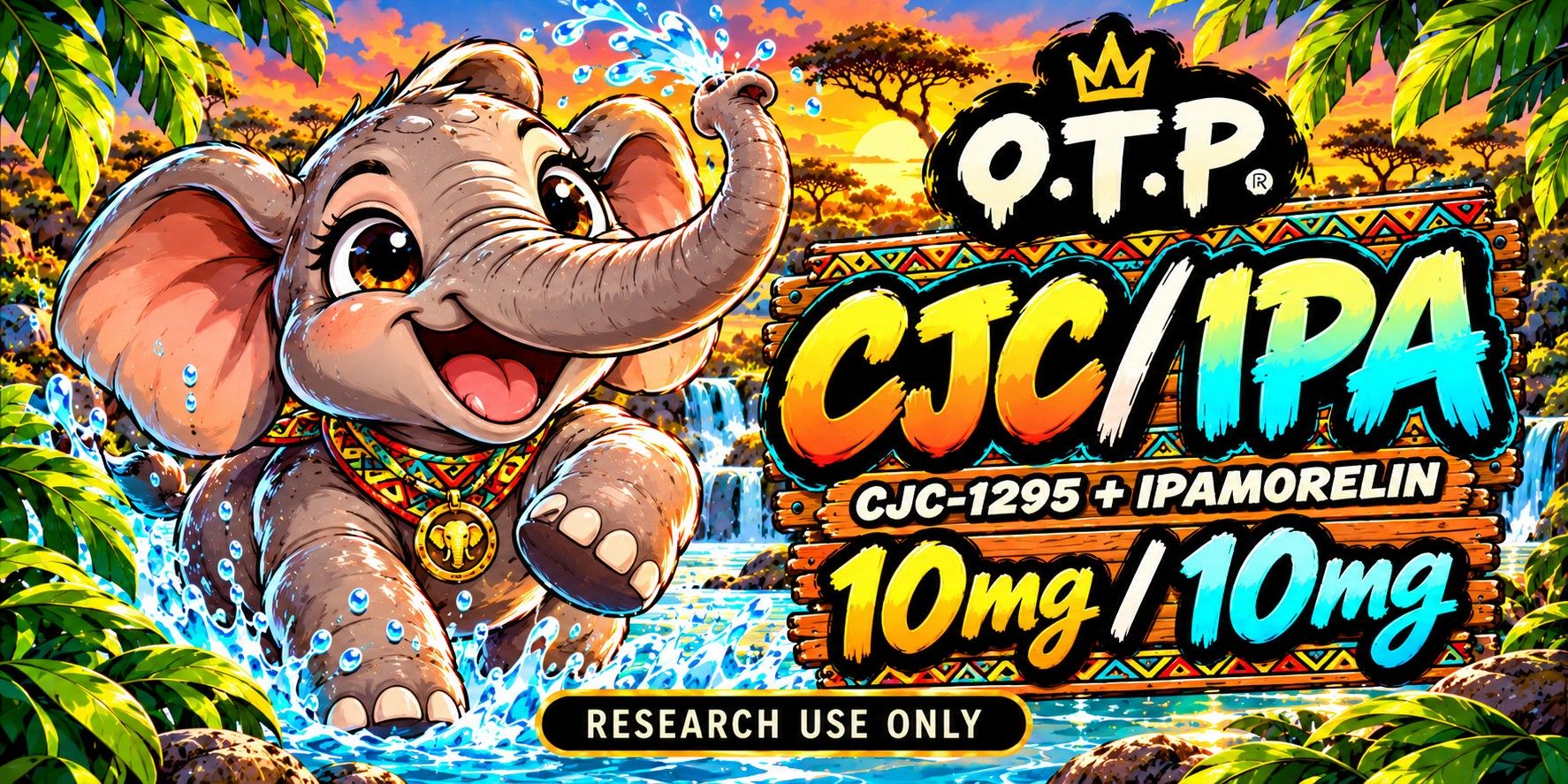
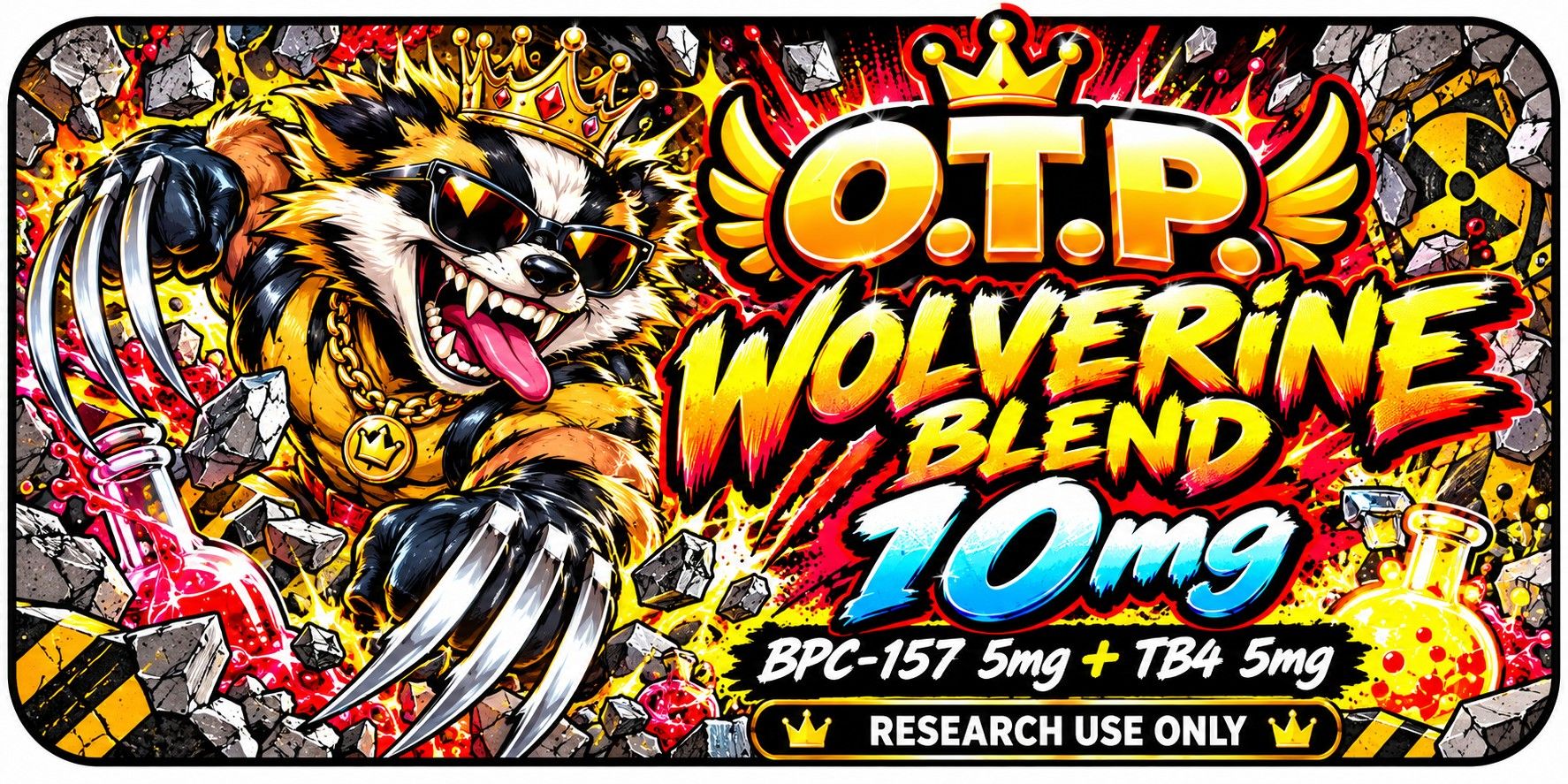
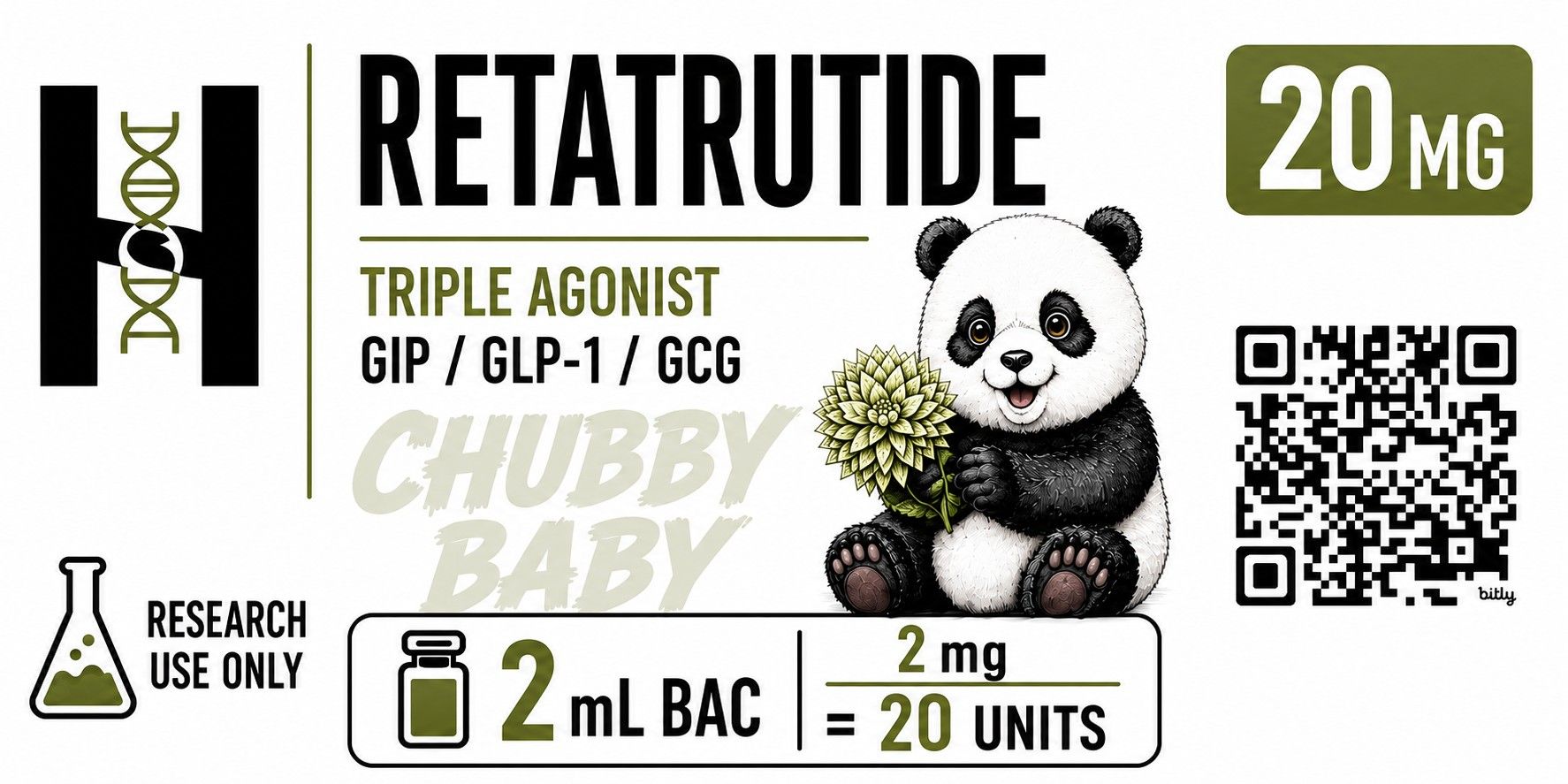
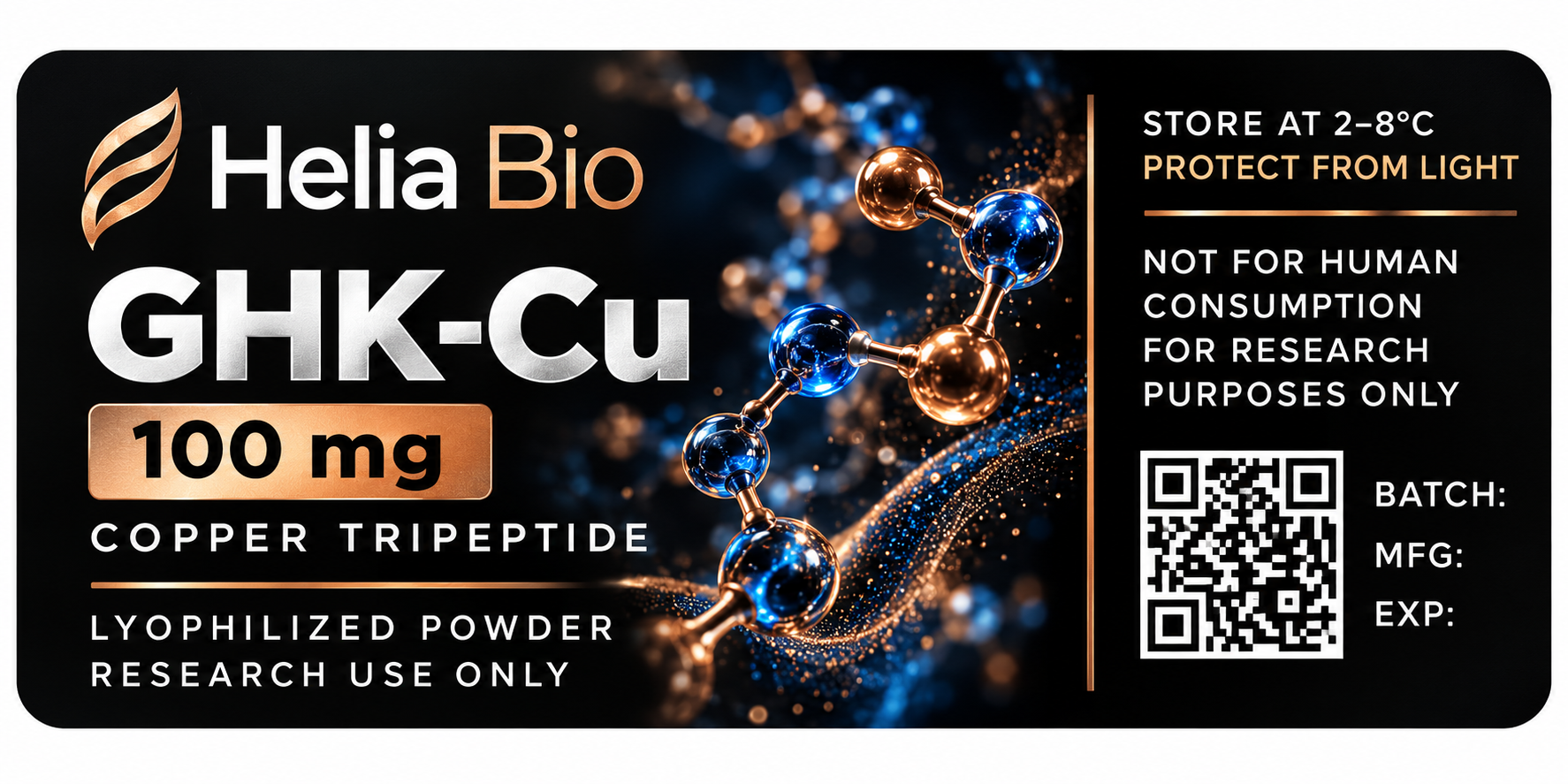
                                      Admittedly most stolen from OTP so ill post the link but some pretty funky ones that get posted in their Labels section

                                      https://t.me/+GbRsR1GnqaBjNGQx
                                      208e539f-e7fb-4d37-8859-8db2701f6798.png
                                      bfad4c7f-1afc-4438-bff3-44cf5521d9e1.png
                                      photo_2026-05-19_18-46-44.jpg
                                      photo_2026-05-23_16-22-01.jpg
                                      photo_2026-07-25_00-03-33.jpg
                                      01e5e125-7d19-4df4-93cf-b2210303677f-image.jpeg
                                      8b82d4ec-8f45-4fca-bed4-8f255c7017b7-image.jpeg
                                      953b189e-4eac-4bfd-9c7e-1d078251228a-image.jpeg
                                      19262284-b943-48f5-970a-6a2a80c3d971-image.jpeg
                                      f0324152-7903-4408-b7be-d96df18d1027-image.jpeg

                                      1 Reply Last reply
                                      2
                                      • N Offline
                                        N Offline
                                        NobleONe
                                        wrote last edited by
                                        #19

                                        @dispensarysupport never heard of this channel, but lots of sick labels, thanks!!

                                        1 Reply Last reply
                                        1

                                        Hello! It looks like you're interested in this conversation, but you don't have an account yet.

                                        Getting fed up of having to scroll through the same posts each visit? When you register for an account, you'll always come back to exactly where you were before, and choose to be notified of new replies (either via email, or push notification). You'll also be able to save bookmarks and upvote posts to show your appreciation to other community members.

                                        With your input, this post could be even better 💗

                                        Register Login
                                        Reply
                                        • Reply as topic
                                        Log in to reply
                                        • Oldest to Newest
                                        • Newest to Oldest
                                        • Most Votes


                                        • Login

                                        • Login or register to search.
                                        • First post
                                          Last post
                                        0
                                        • Categories
                                        • Recent
                                        • Tags
                                        • Popular
                                        • World
                                        • Users
                                        • Groups